
Uploading your photos to the internet is always a risk. You never know who might be saving them and redistributing them under their name. Photo theft is never a good thing, but it can be especially ruinous for photographers and those who rely on their snapshot skills to earn a living. While theft can never be fully prevented, we’ve got a list of stolen photo checker tools that’ll help you get your own back.
Stolen Photo Checker Tools
Photo stealer sites and accounts thrive off others’ hard work. If you think you’ve been the victim of photo theft, then you need the right tools to locate and identify them. We’ve got some industry leaders below that’ll help:
Google Image Search and Lens

Let’s start with the most accessible reverse image tool, one you can use for free at any time: Google Image Search. No matter the browser, all you have to do is drag and drop an image onto the Google Search Bar (or paste the URL), and the search engine will return all similar images and the sites they appear on.
That said, this free tool does come up short when detecting cropping, filtering, or other adjustments on the same image. The keywords attached to the image also play a major role, which can cause problems if the stolen version has different metadata.
TinEye
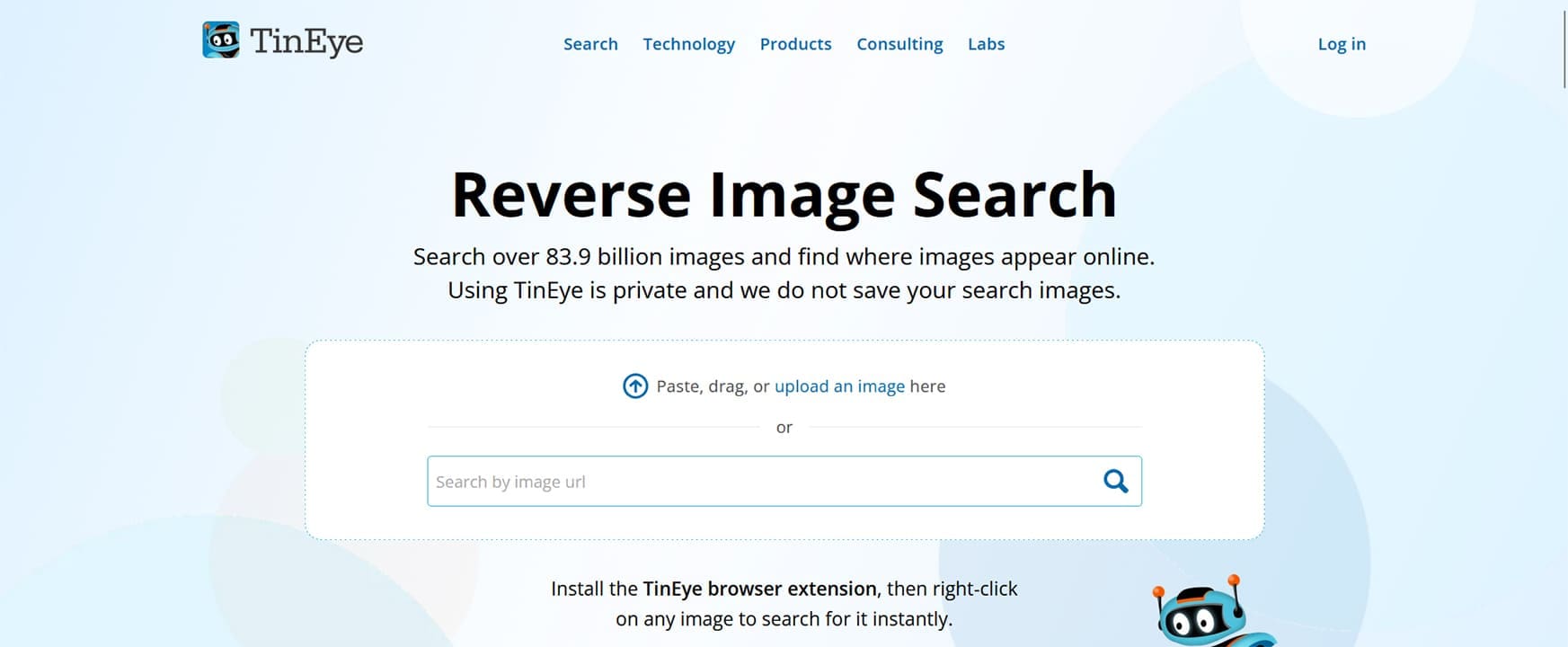
If you’re looking for the industry leader in reverse image searching, this is it. TinEye’s main function is tracking images, which it does, and not only shows you a usage timeline on found images, but can also accommodate edited and cropped versions of the same image. Additionally, the tool analyzes the image through recognition technology and doesn’t rely on keywords like Google. You can search via the site or install TinEye as a browser extension.
TinEye offers a free option in addition to paid tiers. The key benefit of a subscription is the volume of searches allowed. If you’re using it for a business, then paid is definitely the way to go.
Image Magick

This is not a dedicated stolen photo tracker per se, but it does allow you to track stolen photos through what’s called perceptual hashing. The tool generates a unique identifier for an image, so that no matter how heavily altered, cropped, or filtered it is, it can still be identified by this hash. The tool is free to download and use, but it does require some coding and command-line knowledge to use.
Pixsy
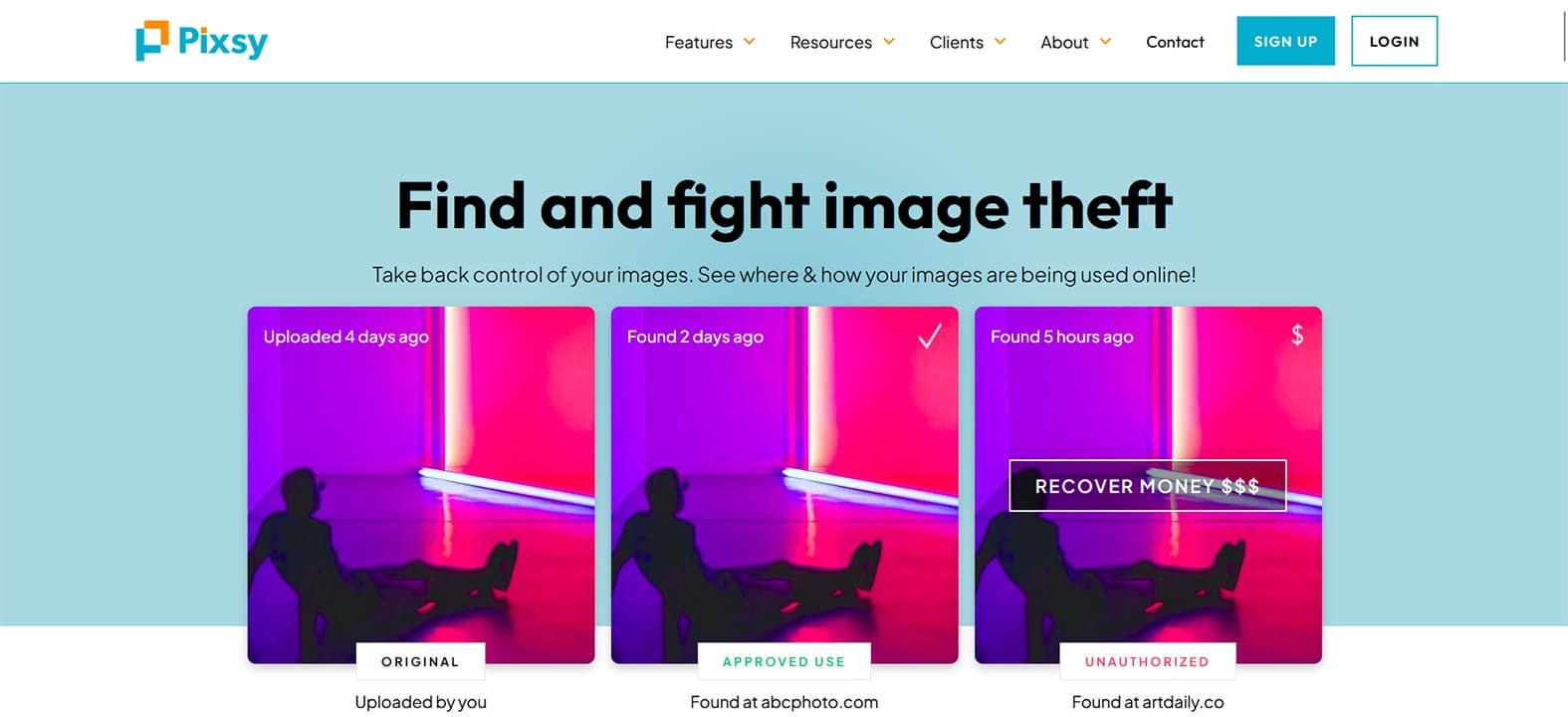
Once you’ve found that your images have been stolen, then what? Sites like Pixsy help users monitor the web and even issue takedown notices. Pixsy will even fight to reclaim fees and damages, and will only charge you a fee if successful. Speaking of fees, you can monitor up to 500 images on an account for free (with anything beyond that requiring a subscription).
Pixsy has been around for a long time, and its reputation in the industry is well secured.
Yandex Image Search

Another reverse image search tool, but this time from Russia, Yandex, is extremely powerful and up to the task. Yandex itself is a free search engine and browser like Google that has its own image section where you can upload or link an image to search. Unlike Google, though, Yandex is very good at detecting modified versions of an image.
With all these reverse image search services, the key to effective tracking is to use as many as possible.