While it may seem like content on the internet will be available forever, the reality is surprisingly different. There are many cases of content being deleted and there being no backup. In most cases, the content being lost is not missed or even noticed by anyone. In some cases though, this can lead to sources on websites such as Wikipedia leading to dead pages or websites. In the worst scenarios, important primary sources disappear without any backups because no-one ever thought that a backup would be needed.
In an attempt to preserve content on the internet, initiatives such as the Internet Archive have sprung up. The purpose of the Internet Archive is to provide “universal access to all knowledge” and to prevent knowledge from falling into obscurity and being lost forever. While a popular part of the Internet Archive is the Wayback Machine which allows users to request a web page to be backed up, this is not the only part. In fact, an important part of the Internet Archive’s purpose relates to material not already on the internet.
For example, many important historical and other resources exists solely on physical media, in some cases, these have become extremely rare. To prevent these rare and important resources from being lost, the Internet Archive also digitises non-digital media, so it can be stored and accessible for generation to come.
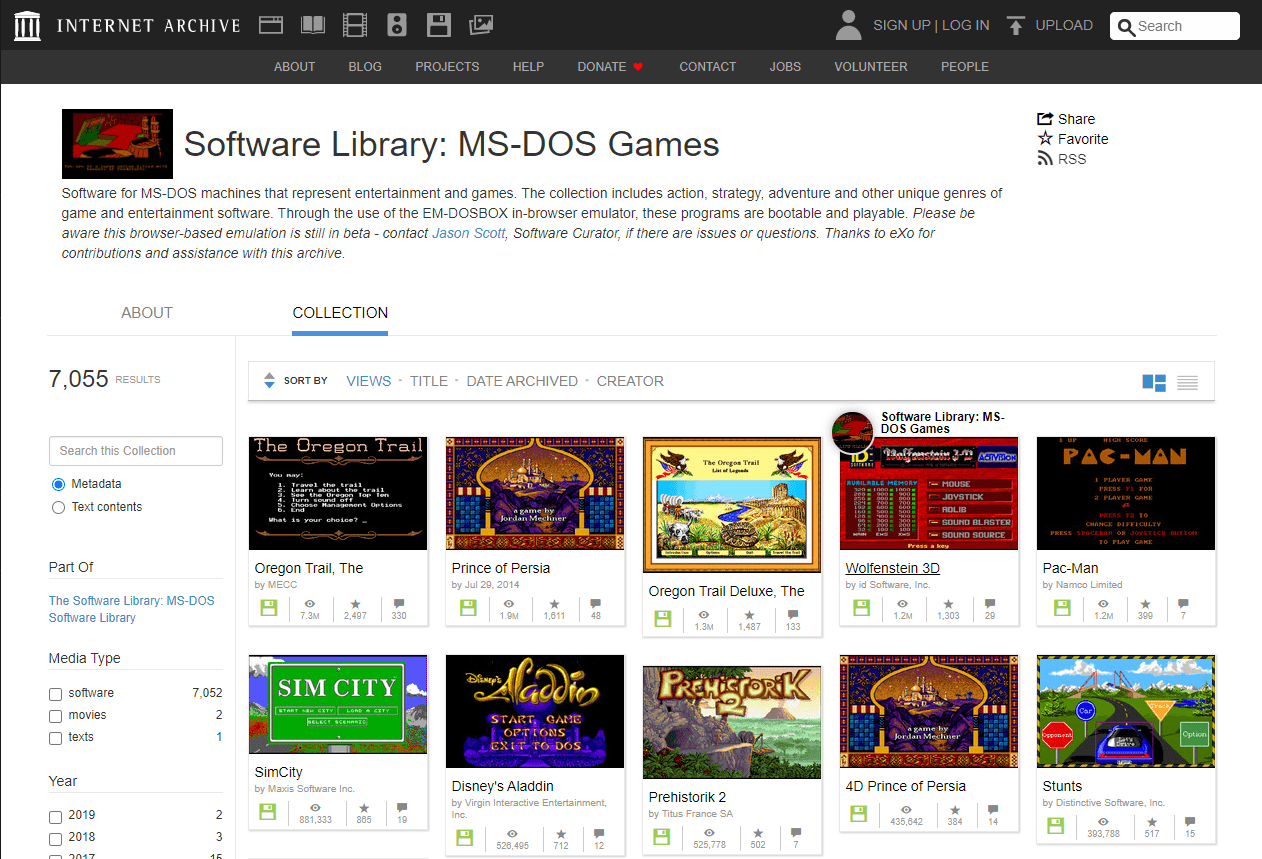
One of the less historically important but still interesting collections that the Internet Archive hosts, is a selection of MS-DOS games, such as Pac-Man, The Oregon Trail, and SimCity which are even playable in your browser. The MS-DOS Games Software Library contains more than 7000 classic games that can be played in your browser through the EM-DOSBOX emulator. You don’t need any special software other than your browser; and given that these games were designed in the DOS era, you don’t need a powerful computer either. To play, simply select a game from the list and click the play button to load the emulator in your browser.
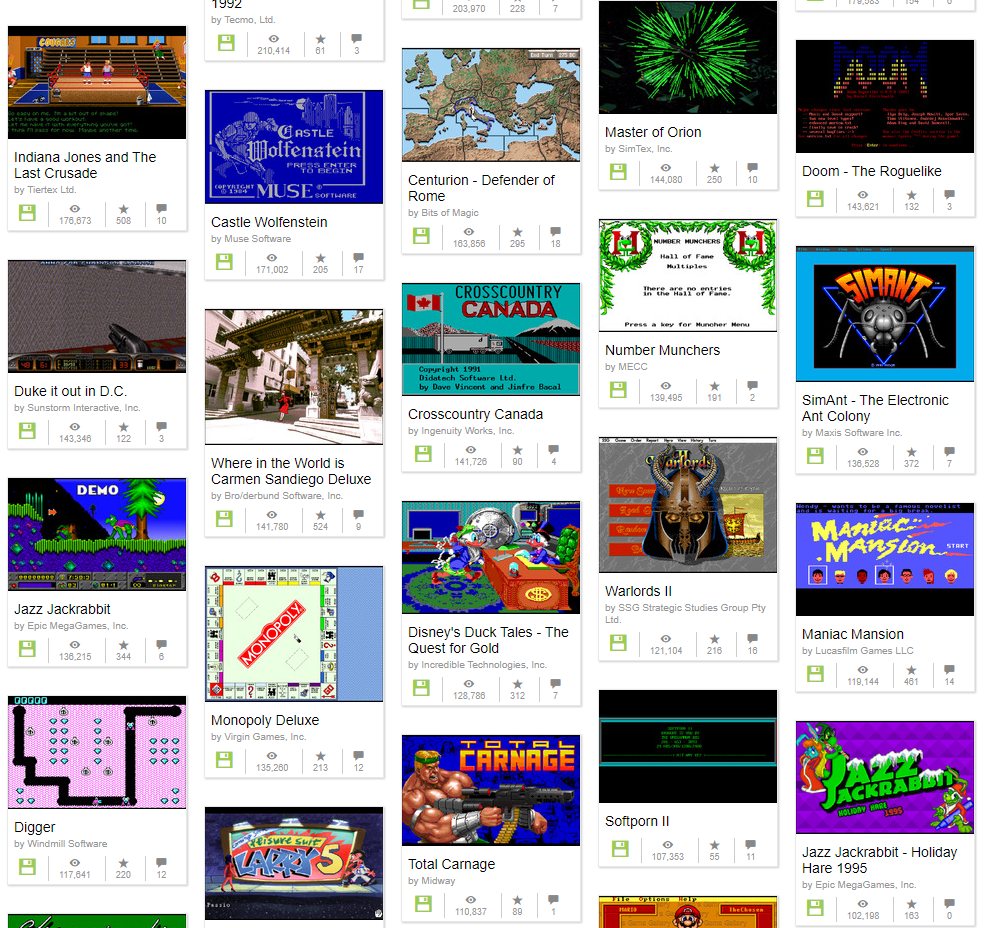
While this selection of games may not be everyone’s cup of tea, they are classics. Some people may want to reminisce about playing them when they originally came out. The graphics and gameplay will be horribly dated, but it may give you a better appreciation of how far computer games have come since then. Even if you choose not to play them, the games are backed up and available on the Internet Archive for anyone to play, whenever that may be.