
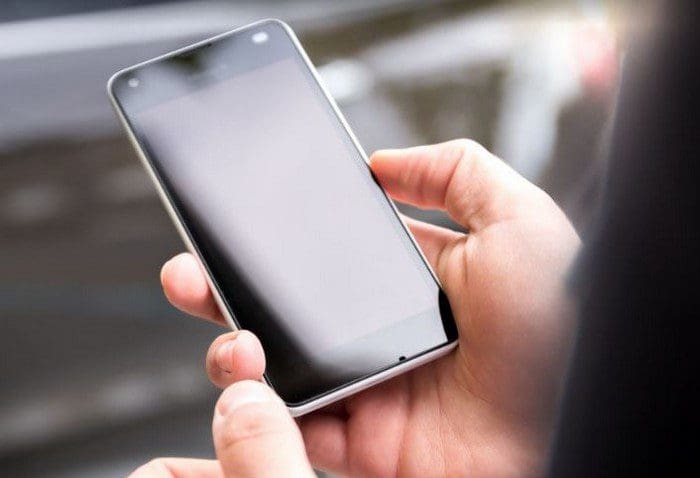
No one likes being told they can’t do something they want to do. So when you want to use a SIM card from another carrier on your phone, you won’t be too happy to see that it can’t be done. Choosing to get an unlocked phone or a locked one can be difficult. Both have their advantages; which one offers the best options for you?
The Advantages of Having an Unlocked Phone
When you use an unlocked phone, you don’t have to deal with contracts or company restrictions. But, there is one crucial thing to keep in mind, and it’s that the phone you’re using needs to be compatible with the network you want to connect to. If it’s not, having an unlocked phone is useless. You can use an unlocked phone with CDMA or GSM, or both.
You’re in control of which company you want to go with an unlocked phone. Also, if you’re unlocked phone is a Dual-SIM model, you can use two different carriers on the same phone. Then there’s the part where you don’t have to deal with paying off your phone. Since you pay for your phone when you first get it, you can spend the rest of your money on something else. You’re also less likely to get into a contract where you’ll end up paying an insane amount of money for a phone you usually wouldn’t buy.
Other Benefits: The Phone is Easier to Sell

When you want to switch to a new phone, it’s simply a lot easier when the phone is unlocked since it doesn’t matter which carrier the buyer has. You have more possible buyers than with a locked phone. With a locked phone, your probability of selling your phone is less since the person who buys the phone has to have the same carrier as you.
Other Benefits
If you want to avoid dealing with apps you’re not going to need, then an unlocked phone is a way to go. When you get a phone from a specific carrier, you’re going to run into bloatware, and you may not be able to uninstall most of the apps. With an unlocked phone, you’ll also get updates faster. Since it doesn’t have to go through the extra filter it usually goes through with carriers, you get them faster.
The Disadvantages of Having an Unlocked Phone
You may feel free with an unlocked phone, but if you start having problems with your phone, you have no one to turn to. You’ll be left without support, and you may end up having to buy another phone.
You will need to know how different networks vary with an unlocked phone. You’ll need to know which network your phone is compatible with and then investigate to see which company can offer what you need. So if you and technology don’t get along very well, then an unlocked phone might not be the best option.
Don’t be surprised if you see the phone of your dreams but it’s only available through a contract. Carriers have the tendency to offer exclusive phones you won’t find anywhere else. With an unlocked phone, you’ll miss out on the insurance some carriers provide; some of those offers are not bad at all.

Conclusion
Having an unlocked phone has its advantages. But so does having a locked phone. It all comes down to what you’re looking for and what’s more tempting to you. If you get an unlocked phone, you can go with the carrier you want. You can count on the carrier’s insurance and great deals if you get a locked phone.
Something you can’t get with an unlocked phone. So, Which one do you think is a better choice? Share your thoughts in the comments below, and don’t forget to share the article with others on social media.



A friend of mine is sell an iPhone which is on gevey unlocked is it advisable to buy it or not
I won’t to know my iPhone is on gevey unlocked is it advisable to buy it