Another year, another version of Android is on the way. Following an incredibly drastic overhaul of the interface with Android 12, Google seems to be playing things a bit safer with Android 13.
Contents
How To Install Android 13
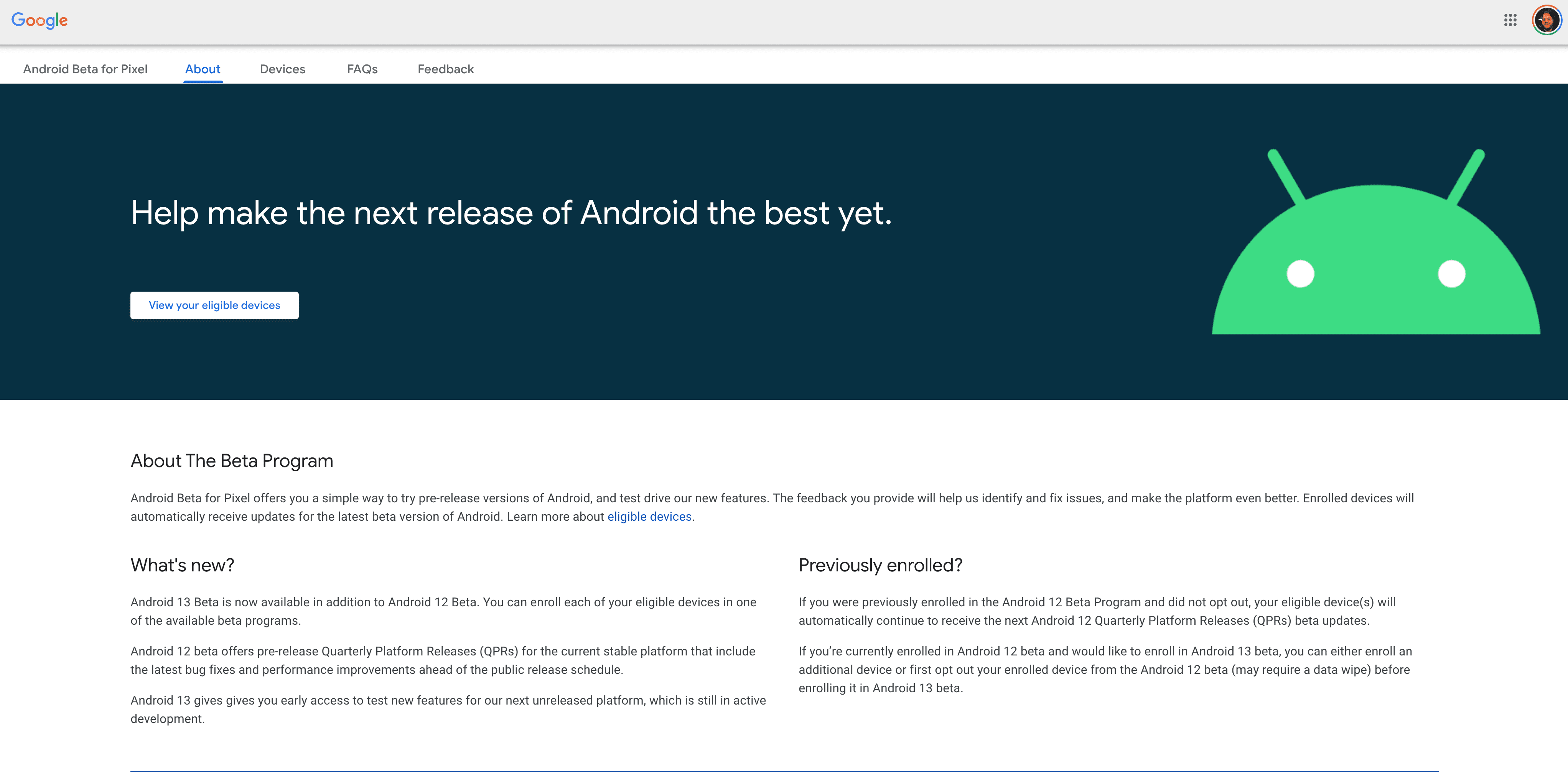
The software version has been limited to a Developer Preview, and is not recommended to install. But now, Google is trying to get Android 13 into the hands of as many users as possible. This is why we now have the Android 13 Beta Program, which is available for select Google Pixel devices. If you want to try this out for yourself, here’s how to install Android 13:
- From your computer, navigate to the Android Beta Program landing page.
- Sign in to the website using the same Google account that you use on your phone.
- You should see a list of devices you own that are eligible to participate in the Android 13 beta.
- Click on the Opt-In button for the device you want to use.
- Accept the terms and conditions and click Join Beta.
- On your phone, go to Settings > System > Advanced > System Update > Check for update.
- It can take up to 24 hours for the beta to be available on your device, so if you don’t see it yet, check again later.
One of the nice things when it comes to the Android 13 Beta is that you don’t need to wipe your phone completely. However, we still recommend that you back up all of your important files. Beta software usually works better than the Developer Preview, but some bugs can still render your phone unusable. Backing everything up ensures that your most important files aren’t lost in the event of something bad happening.
What Devices Are Compatible To Install Android 13?

As we’ve mentioned Android 13 is still in its Beta Program, meaning that you cannot yet install on non-Google devices. This continues to follow the trend we’ve seen in recent years, and here’s the list of devices that can install Android 13:
- Pixel 4 and 4 XL
- Pixel 4a and 4a (5G)
- Pixel 5 and 5a
- Pixel 6 and 6 Pro
It would come as little surprise if Google announced a few hardware partners at Google I/O 2022. These partners need to get Android 13 up and running on their recently-released devices and into the hands of users to try and find bugs before the final release. Google I/O is set to take place on May 11, so we’ll be sure to update this post once more devices are compatible with Android 13.
Conclusion
Even though Android 13 doesn’t look to be as drastic of an update, there are still some pretty neat features on the way. For one, Google looks to be taking devices with larger displays (like foldable phones) a bit more seriously. Hopefully, this means that phones like the Galaxy Z Fold 3 and the rumored Z Fold 4 will have better support for Android apps.
And just as a reminder, it’s unlikely that we’ll see the final version of Android 13 before September. There is a chance it could arrive in late August, but it all depends on development.