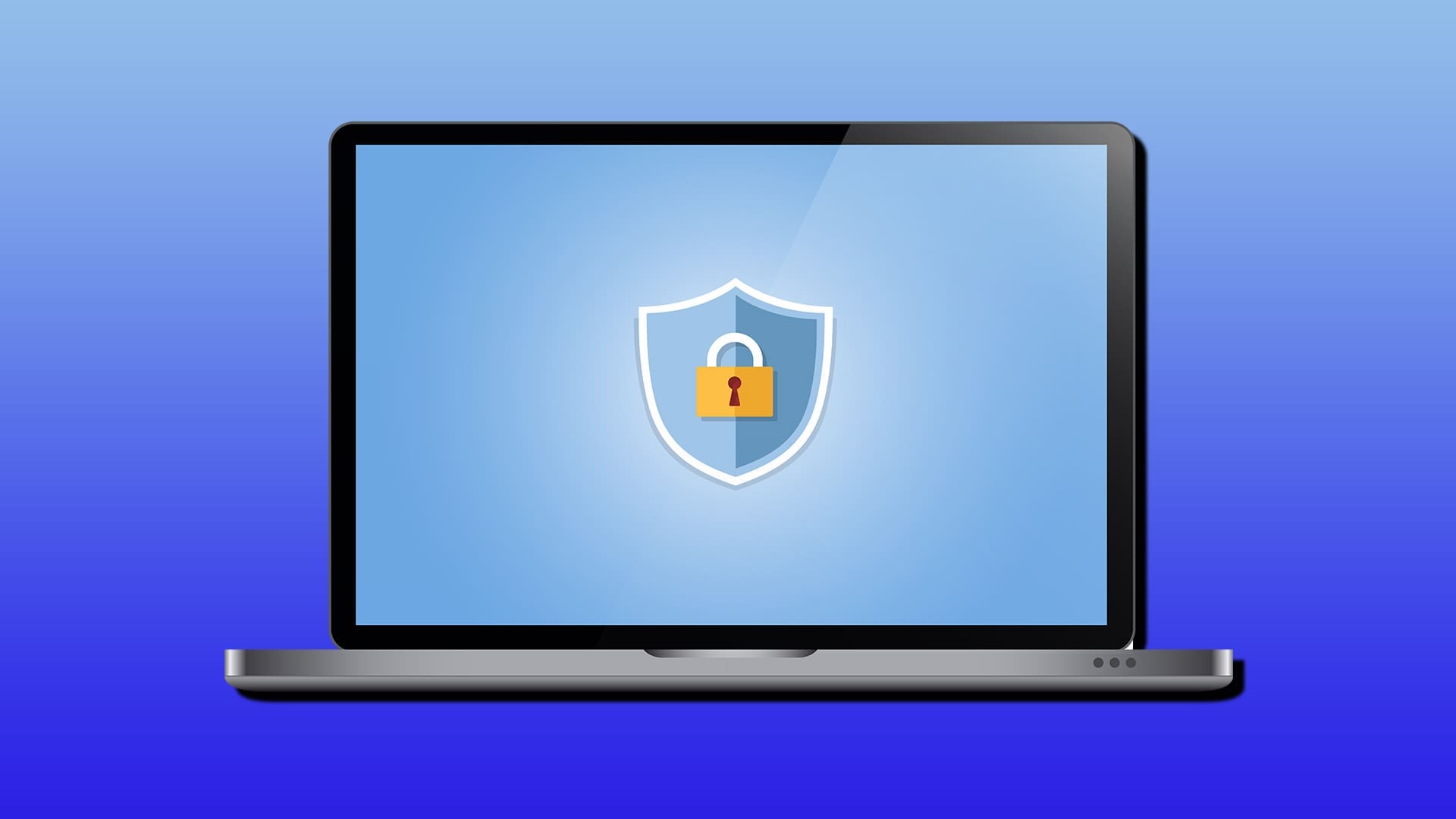
Considering how vastly different a Chromebook is from a traditional Windows or Mac laptop, you might be wondering, “Does Chromebook need an antivirus at all?” Since the platform runs apps slightly differently from operating systems, the short answer is: not really.
But read on to find out more and what steps to take to ensure your Chromebook is protected.
Contents
Does Chromebook Need an Antivirus Explained
Chrome OS (the system in all stock Chromebooks) is a Linux-based system that uses multiple layers of protection that work together to keep you safe.
The first is something called “Verified Boot,” which checks the operating system for any signs of tampering or corruption. If it finds something wrong, it automatically fixes itself by reinstalling a clean version of the entire operating system (since it’s relatively small).
Chromebooks also use sandboxing, which means every webpage and app runs in its own isolated container. If you accidentally visit a sketchy website with malware, that malware gets stuck in its own little box and can’t spread to the rest of your system. This is why traditional viruses designed for Windows or Mac simply don’t work on Chrome OS.
On top of that, Chrome OS updates itself automatically in the background every few weeks. Security patches from Chrome’s developers will just naturally show up and keep your system protected against the latest threats.
What Threats Can Still Affect Your Chromebook?
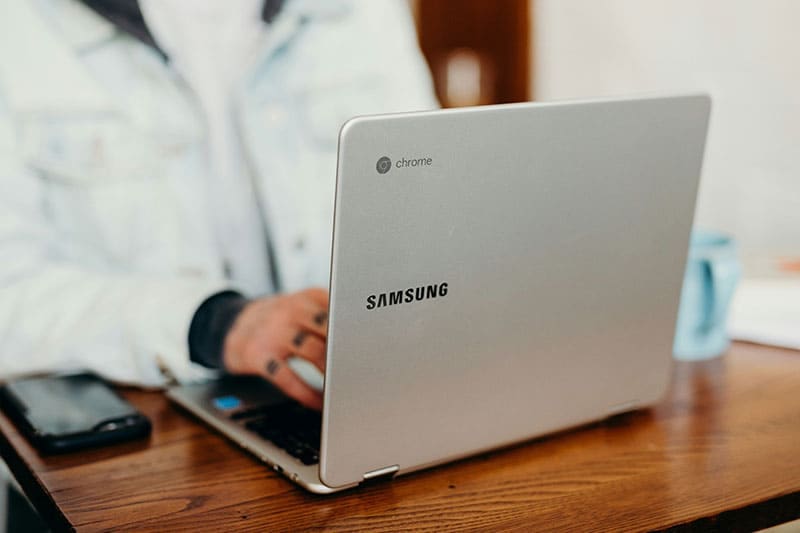
Even with all that built-in security, Chromebooks aren’t completely bulletproof. The biggest threats are things that rely on user error, like phishing emails, fake browser extensions, and sketchy Android apps.
Phishing is probably the biggest danger because no operating system can protect you from yourself. If you get tricked into entering your password on a fake Google login page or clicking a malicious link in an email, that’s on you, not your Chromebook. Antivirus software can help by flagging suspicious websites and emails, but it won’t work for all websites.
Malicious browser extensions are another issue. While most extensions in the Chrome Web Store are safe, security researchers have found dozens of bad ones that somehow made it past Google’s screening. These extensions can spy on your browsing, inject ads, or steal your data. The tricky part is that even if a bad extension can’t really hurt your Chromebook itself, if you sync your Google account across multiple devices, that extension will install on your Windows PC or Mac too, where it can actually be devastating.
Android apps from the Google Play Store can also be problematic. Google removes millions of sketchy apps every year, but some slip through. If you install apps from outside the Play Store (which requires Developer Mode on a Chromebook), you’re opening yourself up to even more risk. Not enabling Developer mode is perhaps one of the surefire ways to stay a bit safer.
What to Do if You Suspect Malware

If your Chromebook ever starts acting weird (such as the browser running slowly, random ads popping up, or getting strange apps you don’t recognize), uninstall any recently added extensions or apps first. If that doesn’t fix it, you can always use the Powerwash feature to factory reset your Chromebook while keeping your Google account data safe.
You can technically download a third-party virus like Malwarebytes. While it won’t remove all threats, it will scan through the entire Chromebook to detect potentially harmful apps and make it easier to isolate them.