Skip to content
LogoTechnipages
LogoTechnipages
  • Topics
        • Android
        • Browsers
        • Gaming
        • Hardware
        • Internet
        • iPhone
        • Linux
        • macOS
        • Office
        • Reviews
        • Software
        • Windows
        • Definitions
        • All Recent Posts
  • Product Reviews
  • About

Candy Crush Saga Facebook Login Won’t Work: “Embedded Browser Disabled” Error Message

Mitch BartlettJuly 21, 2023 Comments (0)
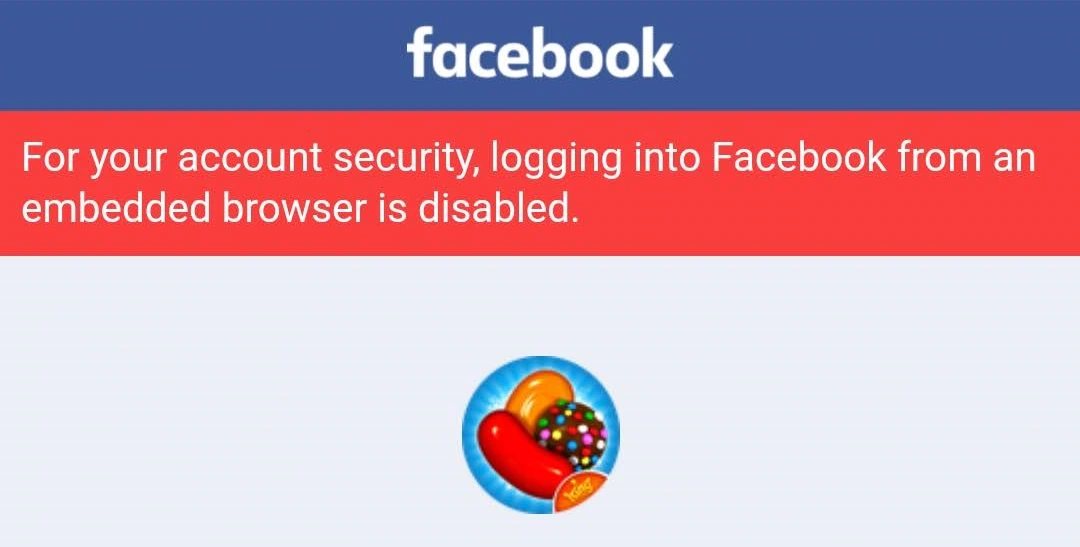
Candy Crush Facebook Login error

Users of the Candy Crush Saga game have found that there is a problem where they try to login to their Facebook account to save progress of the game, but the login doesn’t work. Instead, users are greeted with an error message that says:

“For your account security, logging into Facebook from an embedded browser is disabled.”

We used a trick to get around this error message and forced the Facebook login. Just follow these steps.

  1. Tap the Forgot password? link on the screen where the error is produced. (Don’t worry. We won’t have to reset the password)
    FB Forgot Password Link
  2. Enter the mobile number tied to your Facebook account.
    FB Search for Number
  3. If prompted, select the account you wish to use.
    FB Select Account
  4. Select Continue to have a code sent to your email address.
    FB Send Code
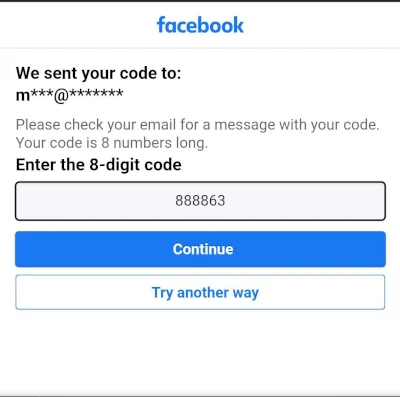
  5. Grab the code out of your email and type it in the box then select Continue.
    FB Enter Code
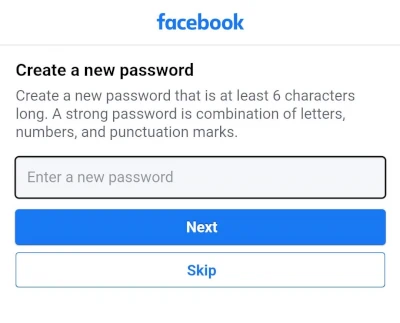
  6. On the Create a new password screen, select Skip.

FB Skip New Password

You should then now be logged into Candy Crush Saga with your Facebook account.

In some instances, I have seen where you have to have a code sent to your phone instead of your email. If these exact steps don’t work for you, try a different variation of them to get logged in.


Categories: Gaming

Author Mitch Bartlett

Through my career that spans over 20 years I have become an expert in Microsoft Systems Administration, Android, and macOS. I started this site as a technical guide for myself and it has grown into what I hope is a useful knowledgebase for everyone.

You Might Also Like

  • How to Stream Origin Games Over Steam

    Mitch BartlettGaming
  • Oculus

    VR Oculus Quest 2: How to Stream to Facebook

    Mel HawthorneGaming
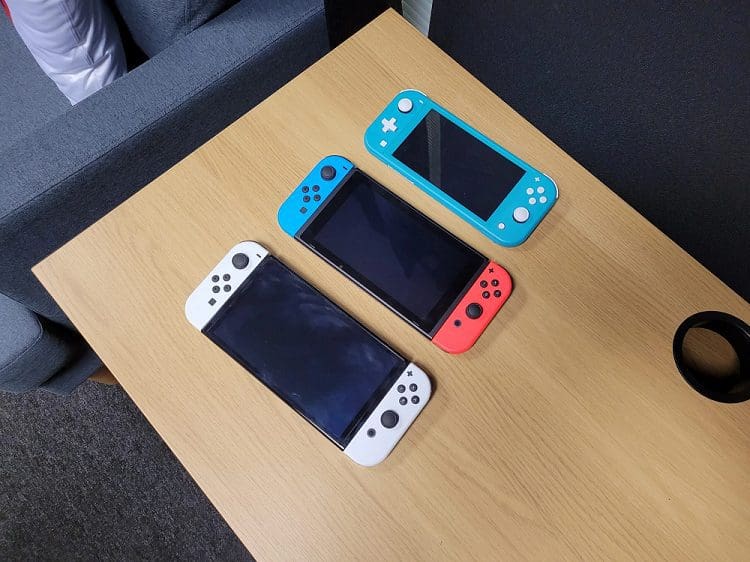
  • Switch vs Switch Lite – Which One Is Better?

    Mel HawthorneGaming
  • PS5 Storage Header

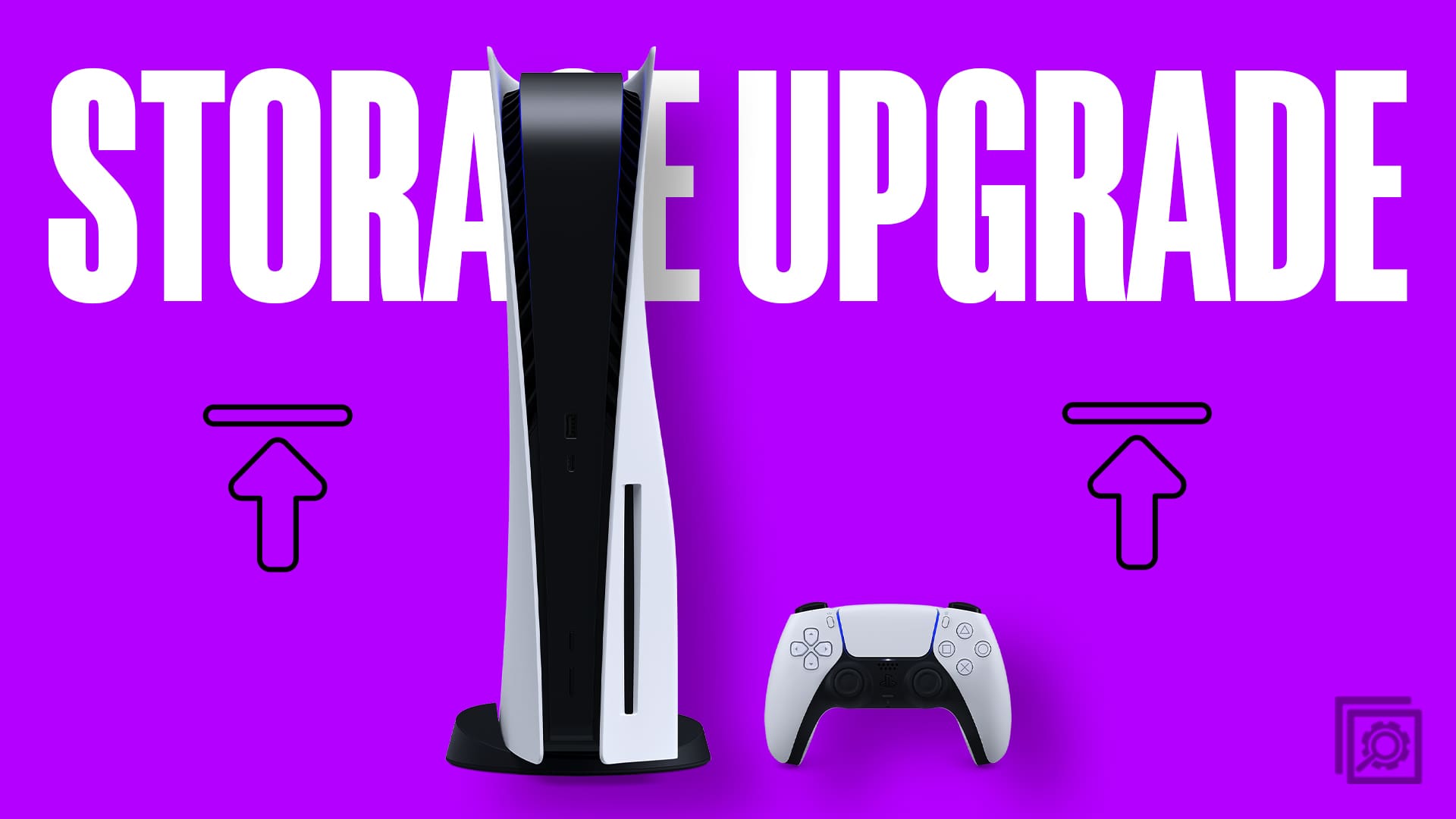
    PS5 Storage Upgrade: Everything You Need to Know

    Tamal DasGaming

Leave a Reply

Your email address will not be published. Required fields are marked *

  • error 400 when signing in

    Encountered Error 400 When Signing In to Microsoft? Here’s What You Can Do 

  • unable to create notebook error in onenote

    We Were Unable to Create Your Notebook Error in OneNote – Common Fixes 

  • error code 0x800704f8 fix

    Error Code 0x800704f8 – How to Fix 

  • back button in browsers doesnt work

    What to Do if the Back Button in Browser Doesn’t Work 

  • could not find this item

    “Could Not Find This Item” When Trying to Remove Files

profile pic

The Experts Behind Technipages

My name is Mitch Bartlett. I've been working in technology for over 20 years in a wide range of tech jobs from Tech Support to Software Testing. I started this site as a technical guide for myself and it has grown into what I hope is a useful reference for all.

Learn More

technipages logo white
linkedin icon

Technipages is part of Guiding Tech Media, a leading digital media publisher focused on helping people figure out technology. Learn more about our mission and team here.

© 2026 Guiding Tech Media All Rights Reserved

  • About Us
  • Contact
  • Terms of Use
  • Privacy Policy

© 2026 Guiding Tech Media All Rights Reserved

Information from your device can be used to personalize your ad experience.
Do not sell my personal information.

Last Updated on July 21, 2023 by Mitch Bartlett