The Taskbar is a core feature of Windows. It’s what you use to access and manage the apps you have open at any time, and it also features the Start menu for accessing apps and searching for files. However, some users have complained that the Windows 11 version of the Taskbar is a little lacking, as features that existed in previous versions are no longer present.
Start11 aims to fix this, and this guide looks at how is Start11 better than Windows Taskbar.
Contents
- 1 What Is Start11?
- 2 How Is Start 11 Better Than Windows Taskbar
- 3 Feature 1. Multiple Start Menu Styles
- 4 Feature 2. Vertical Taskbars
- 5 Feature 3. Easier Access to Key Features, Menus, and Apps
- 6 Feature 4. Superior Search Functionality
- 7 Feature 5. Taskbar Size Options
- 8 Feature 6. Themes and Customizable Aesthetics
- 9 Feature 7. Many More Options Overall
What Is Start11?
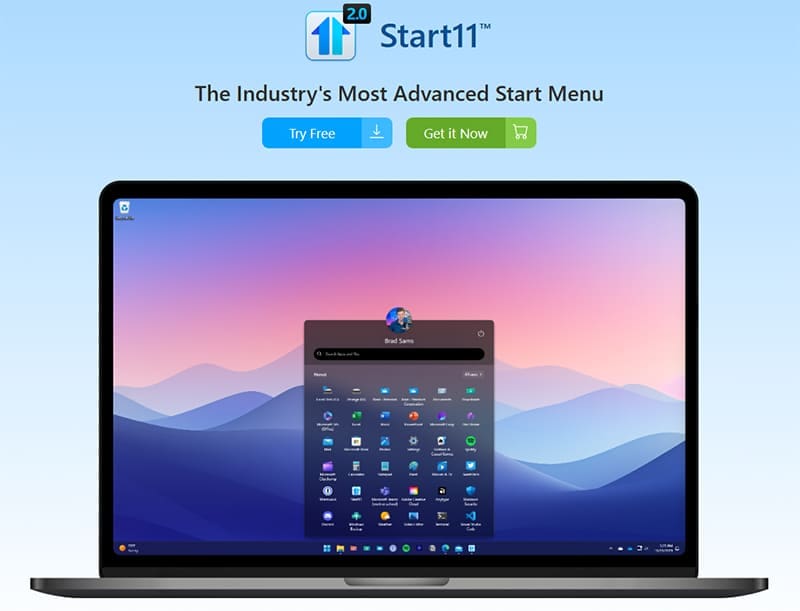
For those who are unfamiliar, Start11 is a third-party Start Menu replacement for Windows. It replaces the default Windows Taskbar and Start Menu with a more advanced and customizable alternative. It brings back a lot of the features from prior versions of Windows and gives users a greater level of control over how their Taskbar and Start Menu look and function.
How Is Start 11 Better Than Windows Taskbar
Opinions may differ regarding which is best between Start11 and the Windows 11 Taskbar, but there are several areas in which Start11 aims to offer a superior experience to Microsoft.
Feature 1. Multiple Start Menu Styles
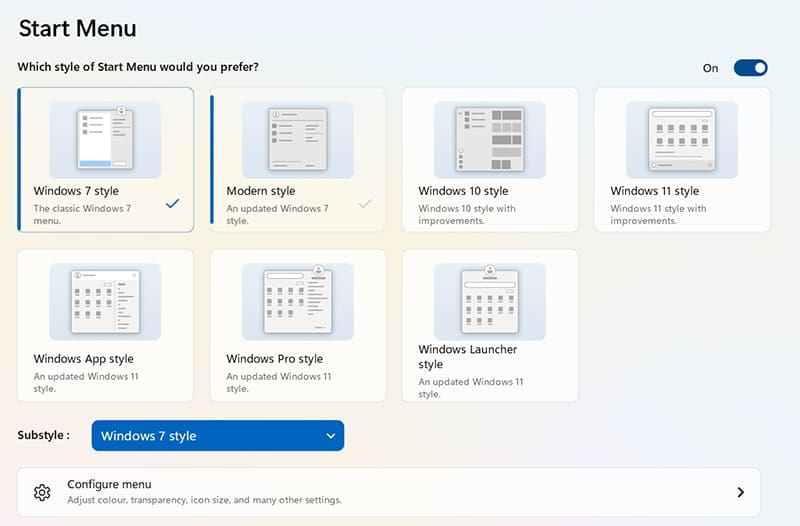
Windows 11 doesn’t give you many options at all in terms of customizing the look and layout of your Taskbar or Start Menu. However, Start11 goes in the opposite direction, giving you many possible styles to choose from. So, if you have a favorite from a prior version of Windows, like Windows 7 or Windows 11, you can switch to that on your Windows 11 device.
Feature 2. Vertical Taskbars

This is a feature that many people were sad to see missing in Windows 11 – the option to align your taskbar vertically along either the left or right side of the screen. Start11 lets you do that and it also gives you the option to move your taskbar to the top of the screen.
Feature 3. Easier Access to Key Features, Menus, and Apps
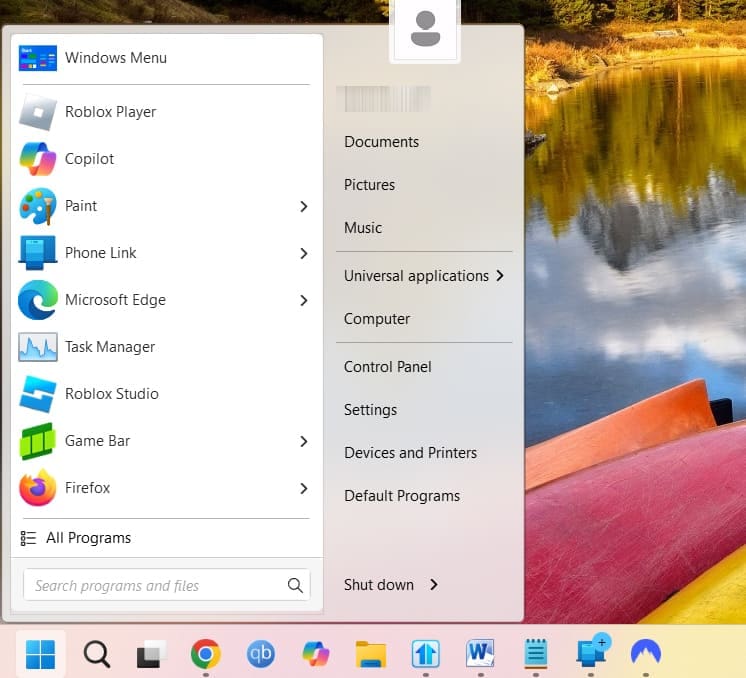
When you press the “Start” button with Start11, you’ll see a different kind of menu pop-up than you would be used to in Windows 11. It gives you more options and, in many ways, offers a cleaner layout. It provides quick access to your main apps, just like Windows 11, but also has menu buttons for going to your Documents, the Control Panel, etc.
Feature 4. Superior Search Functionality
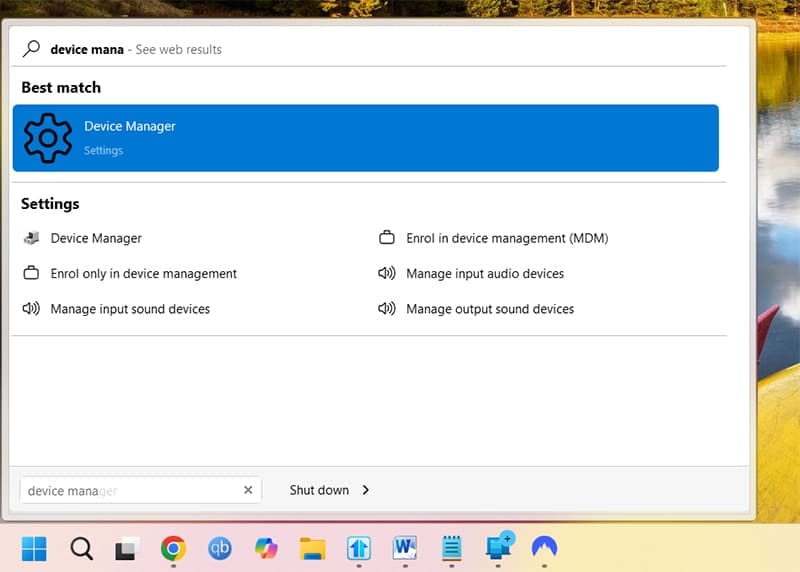
Sometimes, when you search for a file or app in Windows 11, it can be hard to find what you want. Start11 remedies this and aims to provide a more accurate and reliable search function, quickly bringing up the most likely app or file you’re looking for, along with relevant alternative options.
Feature 5. Taskbar Size Options
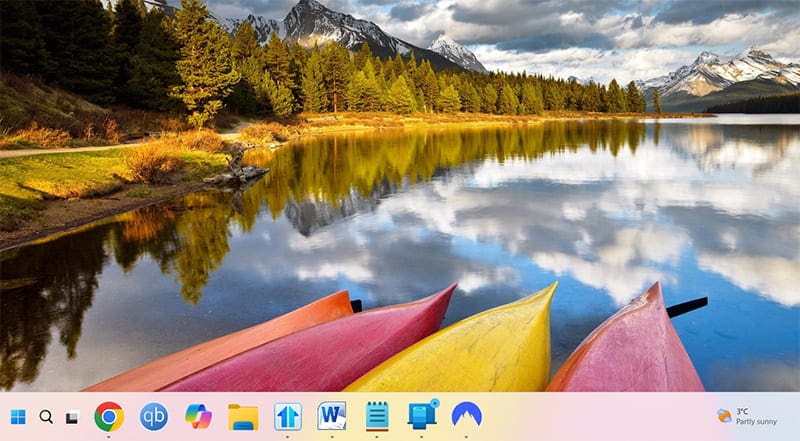
You can’t resize the Windows 11 Taskbar by default, even though you could in previous versions of Windows. Again, Start11 fixes this. It lets you make the Taskbar bigger or smaller according to your preferences and needs.
Feature 6. Themes and Customizable Aesthetics
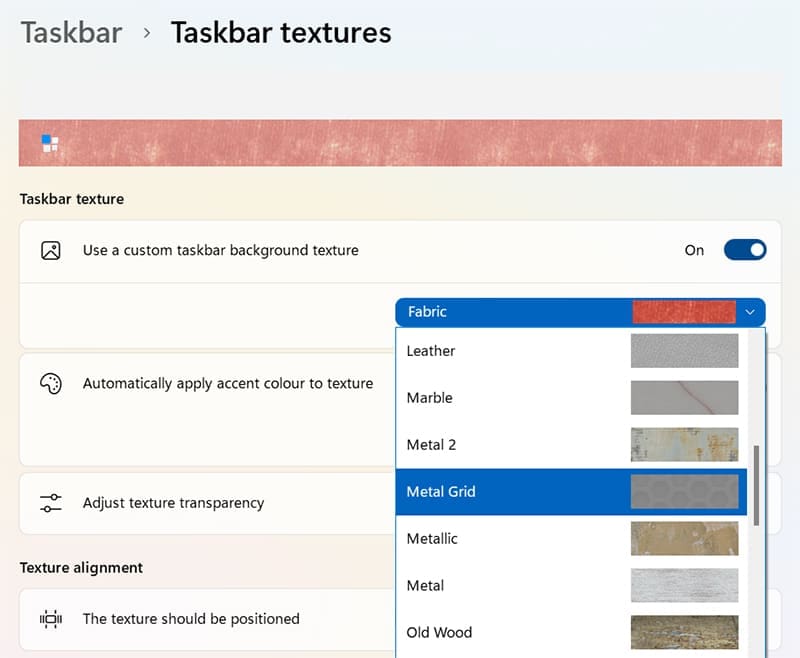
As well as being able to resize your Taskbar with Start11, you’re also able to transform the way it looks. You can choose from a range of Taskbar textures and themes and adjust their transparency. You can even upload a custom image to use as your “Start” button instead of the default Windows icon.
Feature 7. Many More Options Overall
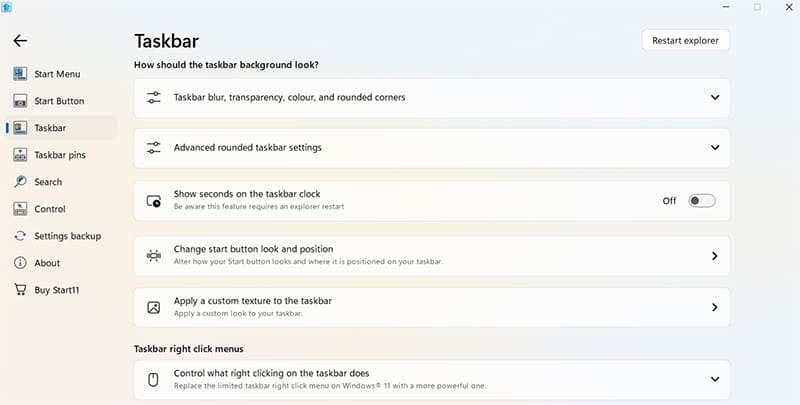
In addition to the specific features cited above, Start11 simply gives you way more control and configuration options in terms of how you want your Taskbar to work. You can adjust lots of different elements, change the Search settings, change what right-clicking the Taskbar does, and more.