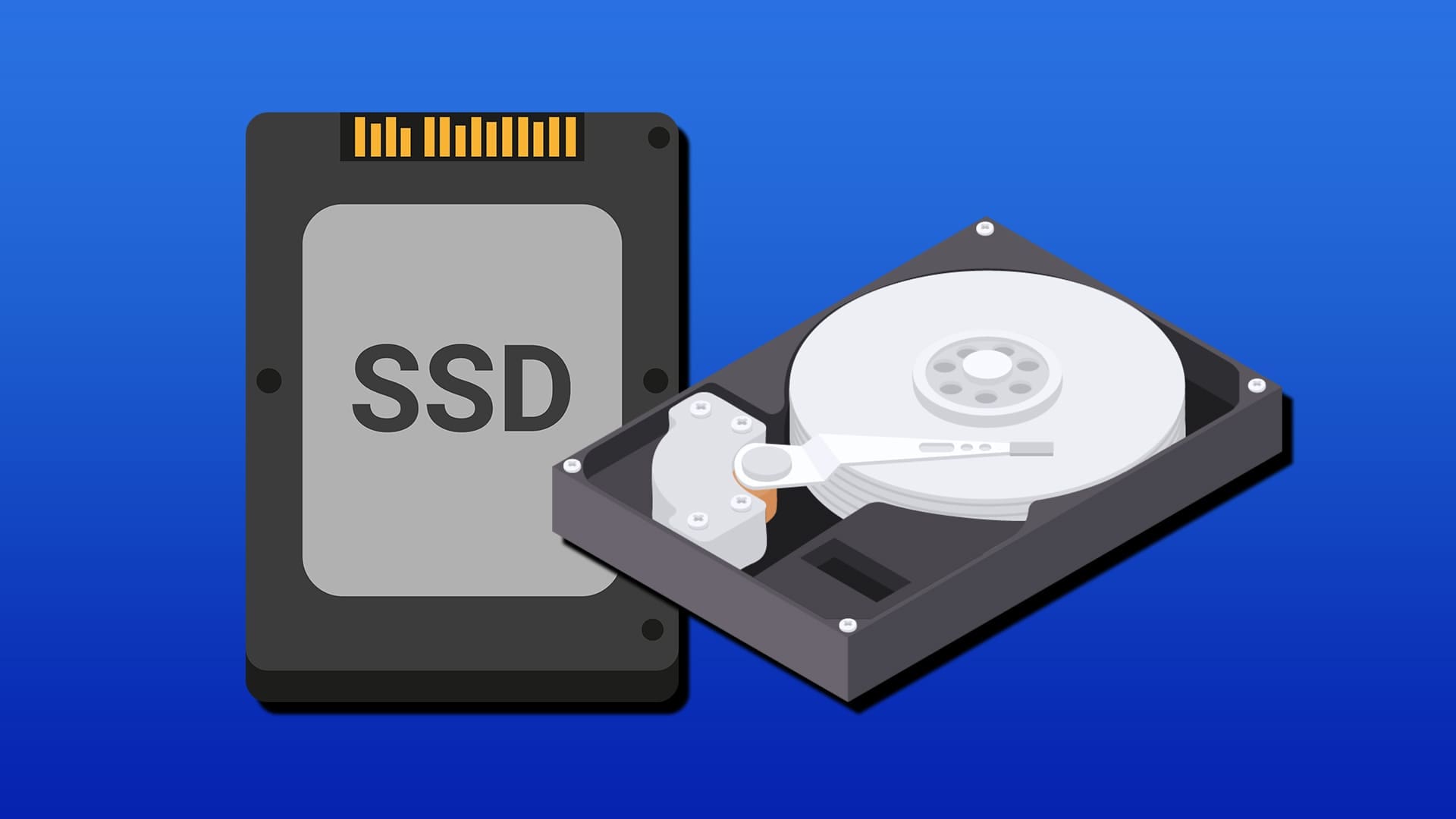
Solid-state drives or SSD have become practically the norm when it comes to long-term storage inside PCs and consoles. They’re fast, efficient, and suffer fewer issues than the “old” hard disk drives or HDDs. But it’s not all black and white, and the HDD is still a solid storage option. Let’s discuss when is an HDD better than an SSD.
Contents
- 1 Option 1: HDD Better Than an SSD You Need Maximum Storage Capacity
- 2 Option 2: HDD Better Than an SSD if You’re Storing Data That Doesn’t Need to Be Accessed Frequently
- 3 Option 3: You Need a Drive for True Long-Term Archival
- 4 Option 4: Adding Extra Storage to an Existing Computer on a Budget
- 5 The Hybrid Approach
Option 1: HDD Better Than an SSD You Need Maximum Storage Capacity
If you need to store massive amounts of data, such as an audio-video library, photo archive, or a corporate backup, SSDs are less likely to help. SSDs typically max out at around 4TB for consumer models (i.e. what you might find in a store), while HDDs are readily available in 8TB, 10TB, 12TB, 16TB, and even 30TB capacities.
This SSD drive vs. hard drive capacity gap is useful for one thing: making storage more consolidated. While most motherboards will accept between four to six hard disks, a lot of people stick to using two or three of them at most.
As such, having a single large hard disk allows you to get the most storage available in a single unit. It can serve as your primary data storage for long-term files.
Option 2: HDD Better Than an SSD if You’re Storing Data That Doesn’t Need to Be Accessed Frequently
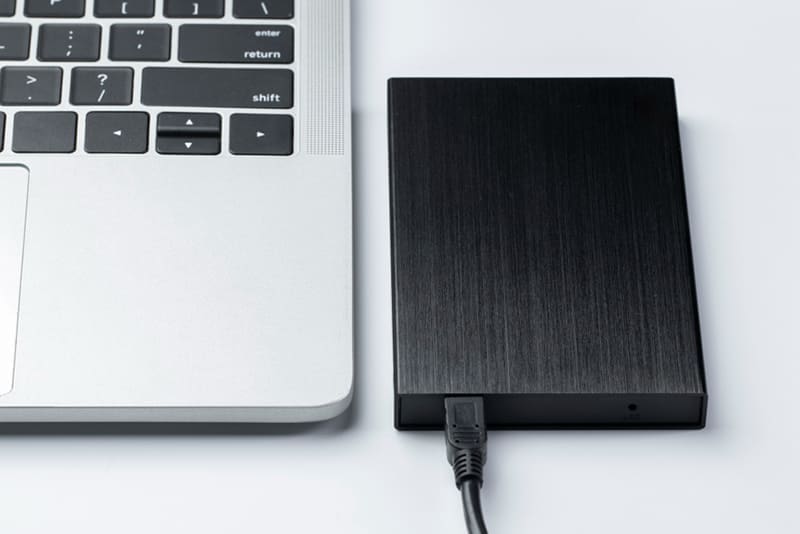
Not all data needs to be accessed quickly or frequently. We all have files that sit untouched for months or years. These can be old project files, archived photos, previous year’s tax documents, or backup copies of important data. They need to be accessible, sure, but they’re not part of your daily workflow.
In this case, an HDD functions much better for cold storage. This is due to two factors: speed and access errors.
Speed-wise, an HDD being slower doesn’t mean much when you’re fetching a few files every few days. Access-wise, HDDs accumulate wear and tear by “spinning,” or performing any fetching information. In theory, a disk that’s unused can keep its data indefinitely, so accessing it less often means the drive should last longer.
Option 3: You Need a Drive for True Long-Term Archival
In lieu of the previous point, HDDs have a proven track record of general reliability. While SSDs have been around for a while now, their upper durability limit is still up for debate depending on how often they’re accessed.
Since HDDs use magnetic storage, the data on it doesn’t degrade if left alone for long.
Option 4: Adding Extra Storage to an Existing Computer on a Budget
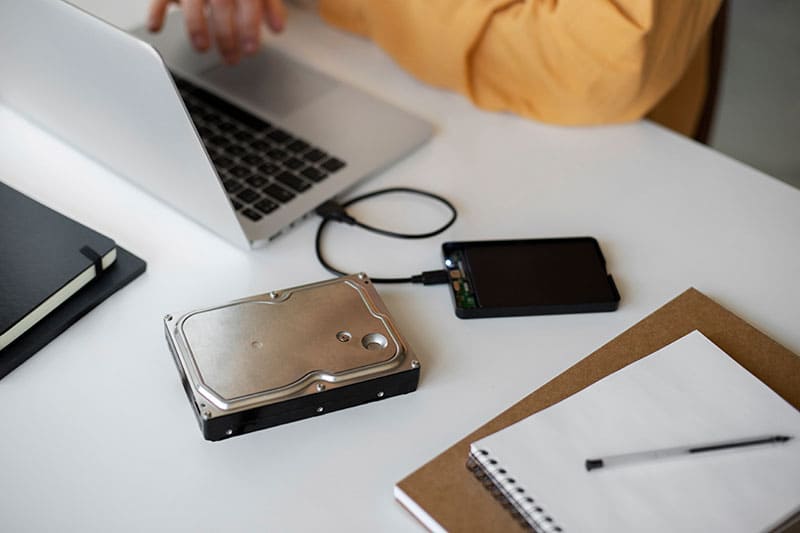
Price-wise, an HDD is roughly four times cheaper per GB than a similar SSD. This means that you’re likely to find a 256 GB SSD for the same price as a 1 TB HDD. Depending on if you need a lot of storage, the HDD easily becomes a more economical choice if you want to make a simple storage upgrade.
The Hybrid Approach
The smart strategy for most users is using both disk drives together. For most people, when they think: “What is the SSD in a computer for?” the answer is: Windows. Installing the operating system on an SSD as the primary drive allows you to use its incredible speed to make boots last seconds rather than minutes.
The SSD is also much better when trying to load a lot of files at once, such as with demanding programs like video editors or games. In these cases, there’s no way an HDD is better than an SSD.