Skip to content
LogoTechnipages
LogoTechnipages
  • Topics
        • Android
        • Browsers
        • Gaming
        • Hardware
        • Internet
        • iPhone
        • Linux
        • macOS
        • Office
        • Reviews
        • Software
        • Windows
        • Definitions
        • All Recent Posts
  • Product Reviews
  • About

What Is Unicast?

Mel HawthorneOctober 3, 2022 Comments (0)

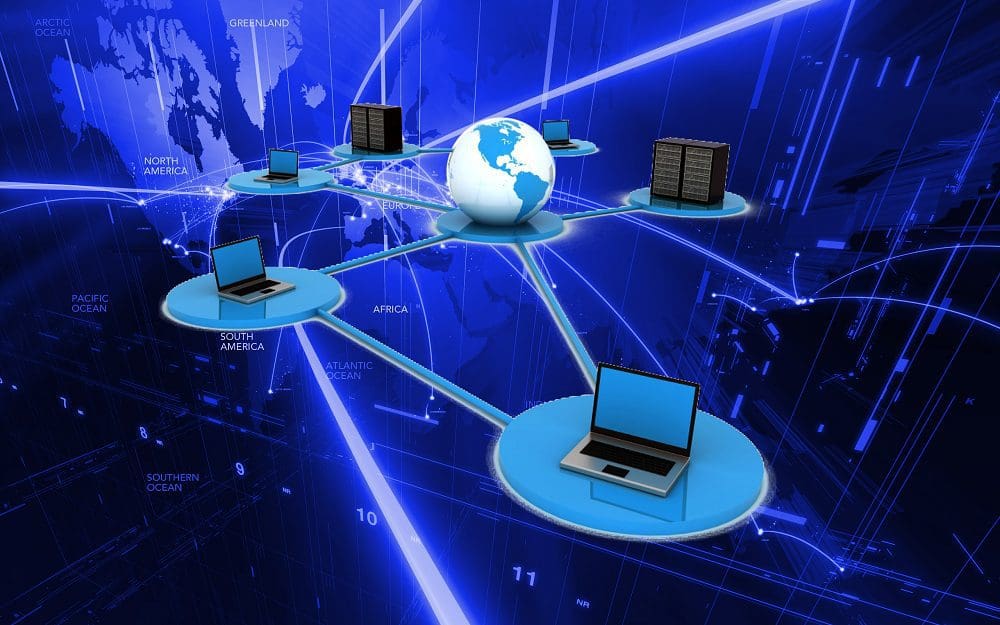
Unicast is a computer networking term that describes a type of transmission. Specifically, it relates to one-to-one communication. This means that one sender and one recipient are on a network together. Usually, both devices communicating have a unique IP address, either two IPv4 addresses or two IPv6 addresses.

Devices using an IPv4 address cannot communicate directly with an IPv6 device and vice versa. They need to be using the same addressing scheme. Some translation solutions exist between the two addressing schemes. However, they are not widely used. This is because almost all devices can be assigned both an IPv4 and an IPv6 address. That ability is due to the prevalence of “dual stack networking.”

This network could be the Internet, a private Intranet, or another type of connection – the critical part is that the sender and recipient can communicate over a network. Unicast transmissions are only ever between two single entities on a network, in contrast to multicast and broadcast, both of which are one-to-many transmissions, where one sender sends to many recipients. The two involved parties can communicate back and forth despite Unicast being a one-to-one transmission.

In other words, whether it’s a one-off document transmission from the sender to the recipient or, for example, a chat where messages are sent back and forth between two parties. It’s still a Unicast transmission even if the parties involved communicate back and forth.

Conclusion

Unicast (as well as broad- and multicast) is a routing scheme. This is another name for how network traffic is sent from A to B. The routing is done on layer 3 of the network layer’s OSI or Open System Interconnection model. Layer 3 protocols direct data flow when two computers communicate from separate LANs.


Categories: Hardware

Author Mel Hawthorne

You Might Also Like

  • Oculus

    VR Oculus Quest 2: How to Stream to Facebook

    Mel HawthorneGaming
  • check-if-employer-is-monitoring-computer

    How to Tell if Your Employer Is Monitoring Your Computer

    Madalina DinitaHardware
  • 3D printing header

    3D Printing: Troubleshooting a Messy First Layer

    Mel HawthorneHardware
  • 3D Printing Basics: What Is Material Jetting?

    Mel HawthorneHardware

Leave a Reply

Your email address will not be published. Required fields are marked *

  • browser screen goes black

    Browser Screen Goes Black Intermittently 

  • computer heating up in hyper v

    Computer Heating Up When Using Hyper-V – How to Fix 

  • clipchamp unexpected application error

    Clipchamp Unexpected Application Error: Here’s the Solution 

  • winload.efi file missing error

    Winload.EFI File Missing Error on Boot – How to Fix

  • fix error 0x9cfc7550

    How to Fix Error 0x9cfc7550 (We Couldn’t Create a New Partition) in Windows 

profile pic

The Experts Behind Technipages

My name is Mitch Bartlett. I've been working in technology for over 20 years in a wide range of tech jobs from Tech Support to Software Testing. I started this site as a technical guide for myself and it has grown into what I hope is a useful reference for all.

Learn More

technipages logo white
linkedin icon

Technipages is part of Guiding Tech Media, a leading digital media publisher focused on helping people figure out technology. Learn more about our mission and team here.

© 2025 Guiding Tech Media All Rights Reserved

  • About Us
  • Contact
  • Terms of Use
  • Privacy Policy

© 2025 Guiding Tech Media All Rights Reserved

Information from your device can be used to personalize your ad experience.
Do not sell my personal information.

Last Updated on October 3, 2022 by Judy Sanhz