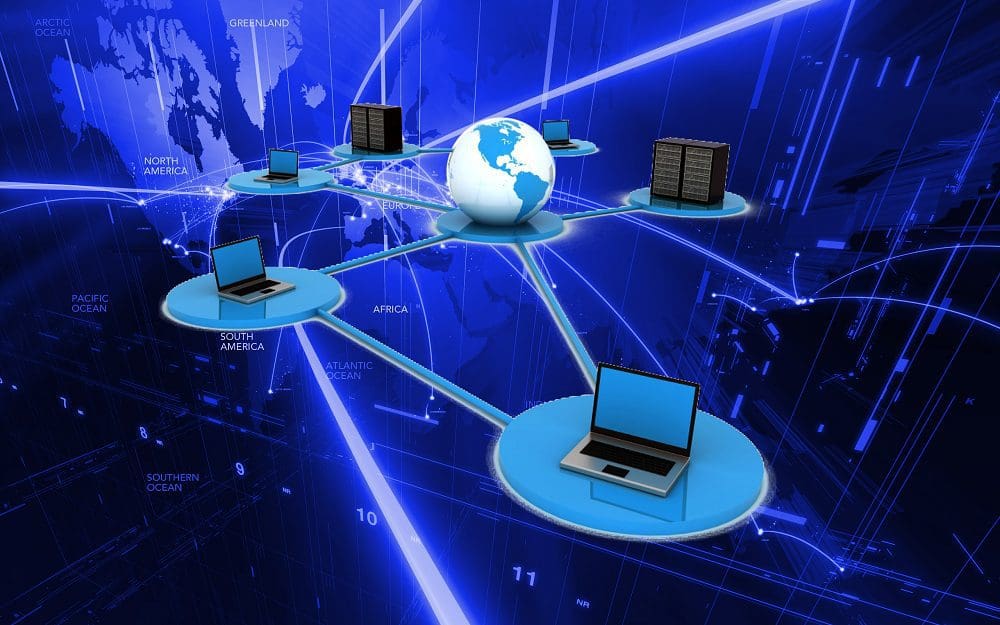
Multicasting is data transmission between computers on a shared network (such as the Internet). It refers to a type of communication where either one sender transmits data to multiple recipients, or multiple senders send to numerous recipients. An example of multicasting in practice would be IPTV services. One source (a server) streams content to multiple recipients (whoever is watching at home).
Note: IPTV refers to real-time video content over the network rather than on-demand streaming services like Netflix.
These communications don’t need to be one-way. However – it’s possible for communication between the recipients and the sender to be reciprocal. In other words, like in a chat, the recipients can return data on the same connection in a multicast setup, though that is less common than one-way transmissions.
Tip: Multicast is easily confused with physical layer point-to-multipoint communication – they are not the same. Wireless networks almost always operate as broadcast media. To this end, all transmissions – even unicast messages – are essentially multicasted to the network, with all unintended devices simply dropping the traffic.
True multicasting happens at layer 3 of the OSI model, the network layer. It’s a method of IP addressing and can’t be genuinely implemented outside the network layer. At the Application layer, the top of 7 layers in the OSI model, multicasting can be simulated. However, this involves just making multiple unicast messages.
Usage Complexities
Multicast addresses multiple addresses on a network, but not necessarily all – that would be a broadcast instead. A transmission to only one specific recipient on a network would be called a Unicast. To manage membership of multicast groups, the IGMP (Internet Group Management Protocol) protocol is used in IPv4 networks and MLD (Multicast Listener Discovery) in IPv6 networks. These protocols offer functionality for devices to inform multicast routers that they are joining or leaving a multicast group. This allows traffic to be correctly routed.
Most networks do not support multicasting. Home routers generally do not, and the Internet does not. Enterprise-grade routers dffer support, but it generally needs to be manually enabled. This somewhat limits the usefulness of multicasting. Multicasting can span a LAN or a WAN, but a multicast backbone tunnel would be needed to run over the Internet, i.e., between two corporate buildings.
Conclusion
Multicast is an IP addressing scheme. It allows one or more devices to send a single transmission that a configurable group of recipients will receive. Using unicast for the same purpose would require the transmitting device to send the same traffic multiple times. Multicasting, therefore, reduces the network load at the sending device. This effect can be significant depending on the size of the multicast group. Broadcasting goes to all devices in a network. Multicasting is a more precise message delivery system that improves privacy/security and reduces network load.