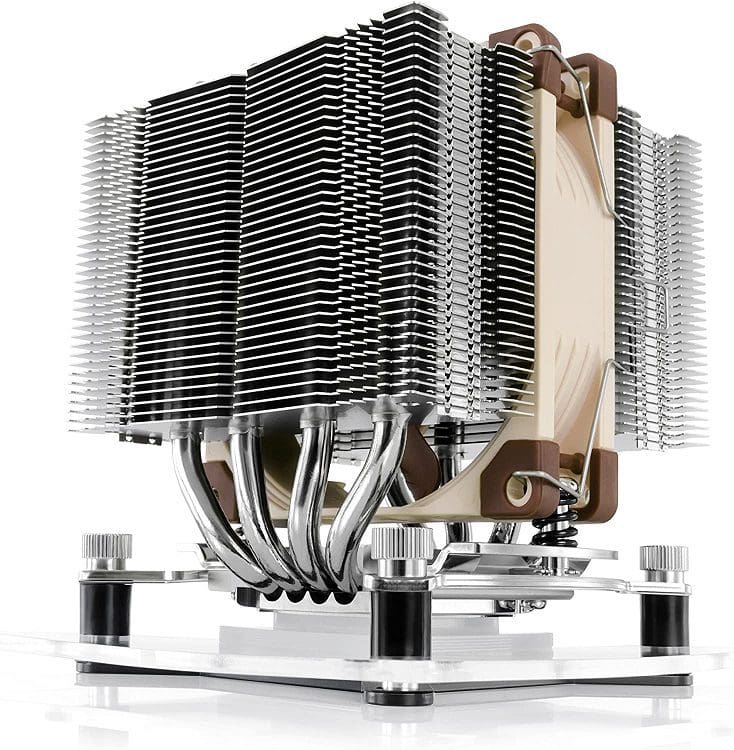
Every computer needs to be kept cool. It isn’t particularly easy to keep a CPU or GPU cool. The actual silicon dies for CPUs and GPUs are small. The surface area is one of the most critical factors in dissipating heat to the surrounding air. Being so small and flat, the CPU and GPU dies aren’t suitable to be directly cooled by air. To be able to properly cool them, a heat sink is used.
A heat sink has two purposes, to draw heat away from the heat-producing component and dissipate that heat into the air. There are two heat sinks, the passive heat sink, and the active heat sink. A passive heat sink is cooled by the ambient airflow, which can include airflow driven by case fans.
Passive heatsinks are typically only used for relatively low levels of heat dissipation as they’re not particularly efficient. They generally feature relatively wideset fins to enable good airflow. Additionally, the fins will almost always be aligned vertically to help natural convection to carry the heat away.

An active heatsink follows different design rules than a passive cooler. This is because the presence of a fan directly on the cooler changes several factors in heat sink design.
Active Heat Sinks
The presence of a fan on an active heat sink means that airflow over the heatsink is greatly increased. This significantly increases its ability to dissipate heat, enabling it to deal with much greater thermal loads. While a passive heat sink can deal with a large thermal load, to do so, it has to be very large. An active heatsink can deal with the same thermal load with a much lower mass and volume.
Because there’s a fan forcing air through the heatsink, it can have a much higher fin density than a passive heat sink. This means that active heat sinks can have a much larger surface area to mass ratio, helping to reduce their size further.
While not all heatsink fans can stop spinning, some offer a 0RPM mode. This allows an active heat sink to operate as a passive heatsink when there isn’t enough thermal load to warrant active cooling. This comes with the advantage of silent operation.
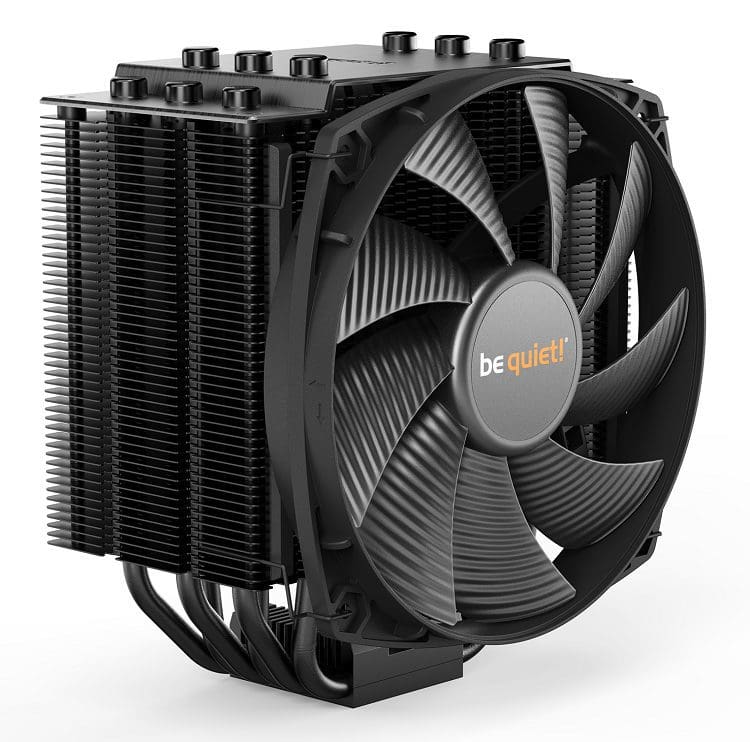
Many active heatsinks use a fan on the front of the cooler that pushes air through the cooler. It is also perfectly possible to place a fan on the other side so it pulls air through the heat sink. Many high-end CPU coolers will have two fans in a “push-pull” configuration. This helps to ensure reliable airflow through the dense fin structures.
Conclusion
Unlike passive heat sinks, active heat sinks use one or more fans to actively drive airflow over the heat sink. This offers greatly increased cooling ability and allows significantly increased fin density for increased surface area per unit of volume, further increasing cooling capacity. Active heat sinks are used on almost all high-end CPUs and GPUs as they emit a lot of heat. A passive cooler for these components would be infeasibly large. Which Heat Sink do you prefer? Share your thoughts in the comments.