Losing your hard drive (HDD) can be catastrophic, especially if it’s the drive where Windows is installed. Even if you’ve diligently backed up your data, it can be time-consuming to set yourself up again on a new drive. And there’s always the chance that some of your data is permanently lost.
There are services that can recover data from failed HDDs, but they tend to be expensive, and some, or even all, of your data may ultimately not be recoverable.
Contents
How Long Do Hard Drives Last?
A HDD typically lasts three to seven years. With proper maintenance and moderate use, some can last for a decade or longer. However, factors such as usage intensity, bumps and knocks, excessive heat, and power conditions can significantly shorten HDD lifespan, causing many to fail within a few years.
The following are sure signs that your HDD is failing. If you encounter any of them, back up your data immediately and consider purchasing a new HDD ASAP. The longer you use a failing drive, the greater the risk of permanent data loss.
7 Signs That Your HDD Is Failing
Strange Noises
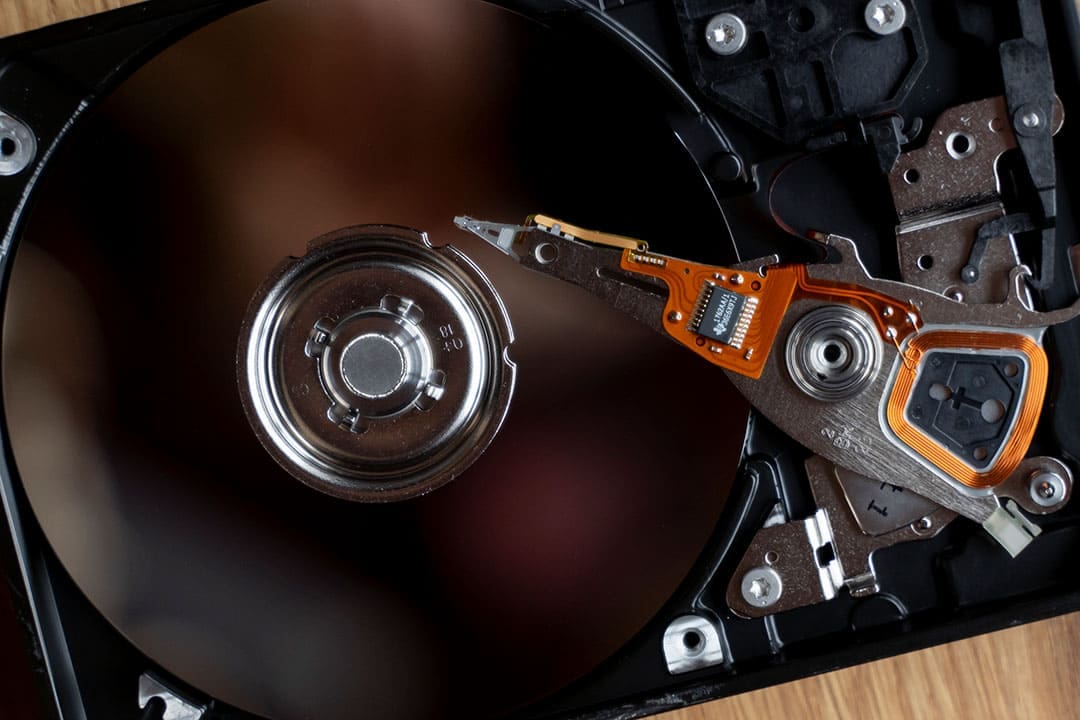
The clearest sign that your HDD is failing is if you hear your drive making unusual clicking, grinding, whirring, or scraping sounds – especially if these sounds are new or happening more frequently than before. In particular, look out for the notorious “click of death” — an ominous repetitive clicking sound. This sound often signals that the drives’ read/write heads are failing or have crashed onto the platters.
Slow Performance
Another common sign that your HDD is failing is a sudden and persistent slowdown in the PC’s performance. Taking much longer than usual to boot up, open files or programs, or respond to your inputs can mean that the HDD is struggling to read or write data due to bad sectors or physical degradation.
Frequent Crashes and Freezes
Regular system crashes, freezes, or unexpected restarts are also usually a sign of disk errors. If you keep getting Blue Screen of Death (BSOD) errors such as “Disk Boot Failure” or “Missing Operating System,” especially during startup or while trying to open files, your drive is almost certainly damaged, if not failing.
Corrupted or Missing Files
Error messages like “File not found,” “The file or directory is corrupted,” or “Cannot read from source file or disk” also indicate disk errors and a potentially failing HDD. Files that suddenly, without explanation, become unreadable, corrupted, or vanish are common signs that your HDD is failing.
SMART Errors

Most modern HDDs have Self-Monitoring, Analysis, and Reporting Technology (SMART) built-in. This technology can predict HDD failure and alert you to take action. Use a SMART-monitoring tool such as CrystalDiskInfo or ULINK DA SmartQuest, and take action immediately if you receive “Caution” or “Bad” warnings.
Repeated Disk Check Prompts
If your system frequently asks you to run chkdsk or other disk checks at startup, that’s a clear sign that there are file system inconsistencies that are most likely caused by a damaged or failing HDD.
Overheating
Finally, one of the easiest ways to damage your HDD is to expose it to excessive heat, especially for long periods. Make sure your PC is well ventilated and dust-free, especially around the HDD and vents. If the drive feels unusually hot, it’s likely operating under stress, increasing the likelihood of an imminent failure.