Skip to content
LogoTechnipages
LogoTechnipages
  • Topics
        • Android
        • Browsers
        • Gaming
        • Hardware
        • Internet
        • iPhone
        • Linux
        • macOS
        • Office
        • Reviews
        • Software
        • Windows
        • Definitions
        • All Recent Posts
  • Product Reviews
  • About

What Are KML Files?

Mel HawthorneJanuary 28, 2020 Comments (0)
File Header

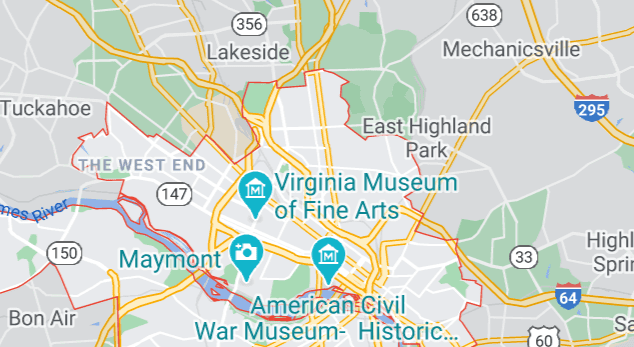
KML stands for Keyhole Markup Language files. These files use XML in order to show geographic data such as locations, image overlays, shapes, lines or even 3D modelling information. They are mostly used by geospatial programs in order to output data in a format that web services and other programs can easily use. Among other things, this format is actually used by the Google Earth service.

How can you open KML files?

The first and most popular way to open these files was Google Earth. There are several other online tools that can open these, as can some other plugins and programs. These files are plain text, so like other files of this type, they can also be opened by text editor programs – in this case, they will, however, only show, for example, a set of coordinates, rather than the map the coordinates point to.

What programs work with KML files?

Google Earth, ArcGIS, Global Mapper, Marble, and Merkaartor are some of the most popular tools to open these files. Some programs that have a Google Earth Importer plug-in (such as Blender) will also work.

Purely for inspection purposes, text editors like Notepad ++ and Editra will also work.

Categories: Software

Author Mel Hawthorne

You Might Also Like

  • How to Opt Into a Game Beta on Steam

    Mel HawthorneGaming
  • How to Add a Bot to a Discord Server

    Mel HawthorneInternet
  • trello how to add checklist

    Trello: How to Add Checklists

    Madalina DinitaSoftware
  • Why Google Maps is Not Showing The Quickest Route

    Madalina DinitaSoftware

Leave a Reply

Your email address will not be published. Required fields are marked *

  • unable to create notebook error in onenote

    We Were Unable to Create Your Notebook Error in OneNote – Common Fixes 

  • error code 0x800704f8 fix

    Error Code 0x800704f8 – How to Fix 

  • back button in browsers doesnt work

    What to Do if the Back Button in Browser Doesn’t Work 

  • could not find this item

    “Could Not Find This Item” When Trying to Remove Files

  • no graphics signal on first boot

    No Graphics Signal on First Boot – How to Fix

profile pic

The Experts Behind Technipages

My name is Mitch Bartlett. I've been working in technology for over 20 years in a wide range of tech jobs from Tech Support to Software Testing. I started this site as a technical guide for myself and it has grown into what I hope is a useful reference for all.

Learn More

technipages logo white
linkedin icon

Technipages is part of Guiding Tech Media, a leading digital media publisher focused on helping people figure out technology. Learn more about our mission and team here.

© 2026 Guiding Tech Media All Rights Reserved

  • About Us
  • Contact
  • Terms of Use
  • Privacy Policy

© 2026 Guiding Tech Media All Rights Reserved

Information from your device can be used to personalize your ad experience.
Do not sell my personal information.

Last Updated on January 28, 2020 by Mitch Bartlett