From its launch in 2015, Windows 10 had a wide range of solutions that fixed the issues customers complained about in Windows 8.1. and returned to a more desktop oriented design rather than one focused on touchscreens. But, even with all of these changes, the future of Windows 10 is cloudy, as not all users are satisfied with the finished product.
These updates try to enhance Windows 10’s operating capability, but the overall future isn’t clear and even those familiar with Microsoft products aren’t quite sure what lies ahead for the OS.
Why is the future of Windows 10 cloudy?
Contents
1. Upgrade Issues in Windows 10
Windows 10 is a successor of Windows 8.1, which means it’s not an entirely new operating system, but rather an updated version of 8.1.
Microsoft is trying to make Windows 10 compatible with new advancements in technology, but the core issue is that Windows users are facing hardware-based compatibility issues.
2. Storage and Speed Issues
Microsoft aims to make Windows 10 a universal operating system. To achieve this global success, Microsoft has to resolve its storage issue. Low-end devices cannot update to Windows 10. A device with 1 GB RAM and 8 GB ROM will face slow-boot speed.
Windows 10 will also slow down the operating speed of apps. These storage and speed issues need to be resolved for Windows 10 to be a practical OS.
3. Dual Mode of Setting
Windows 10 contains an app for the general settings of a smartphone, but it doesn’t control the complete functions of the phone. You have to use control panel for some settings. This dual nature of setting control is confusing for users. Windows 10 has 2-way divided setting features for every aspect of the device. For instance, you can configure your mouse through the settings app, but the control panel will adjust the pointer speed of the mouse.
4. Ambiguous Built-in Apps
Windows 10-supported applications are incomplete in their functions. This doesn’t bring excellent experience to the users. For instance, the OneNote app lacks a basic spell and grammar feature. Moreover, some of the premium apps like Cortana are not available worldwide.
5. Synchronization Dilemmas
OneDrive is an online storage facility for Windows users. Microsoft introduced OneDrive in Windows 8. You can save your pictures and files on it. Users can view these pictures and files from any device. OneDrive was famous among users due to its storage saving feature. In the past, it allowed its users to access their files without download. However, in Windows 10 OneDrive offers selected files for offline browsing.
6. Privacy Concerns
Security and privacy are significant concerns in the cyber-age. Microsoft collects data of its users by default. It keeps an eye on your data usage and searches queries. Besides that, Microsoft monitors your application usage. This privacy invasion is one of the biggest concerns for users.
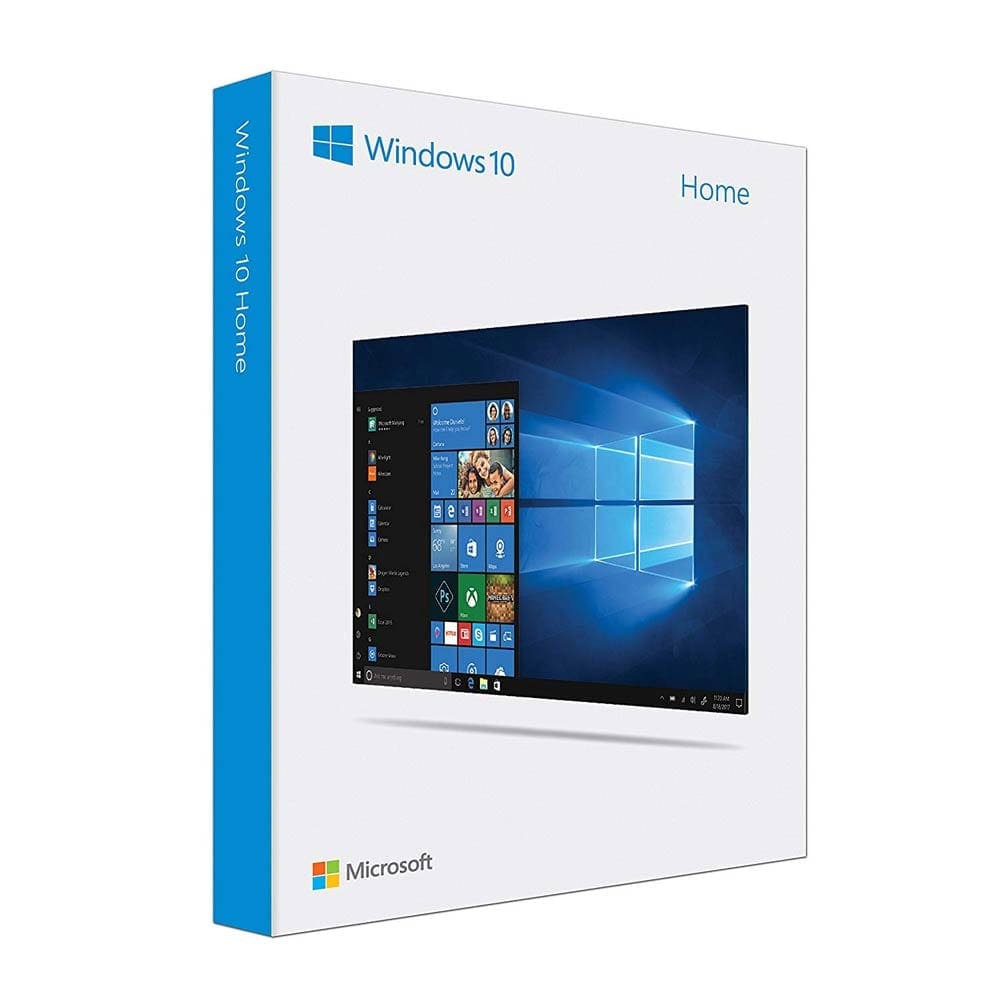
Pros & Cons of Switching to Windows 10
With all of the uncertainties of the current Windows operating system, there is still a lot of users who would find the OS beneficial. With multiple innovative features as well as productivity solutions, Windows 10 can still be a good choice for your personal computer or your business.
– Works with all modern apps
– Easy to install and update
– Increased utility
– Native productivity applications
– Privacy concerns
– Forced native apps
– Annoying notification
– Bad third-party optimization
You can buy a USB drive with Microsoft Windows 10 Home Edition and join millions of users worldwide on a platform that is considered the industry standard.
Conclusion
Windows 10 has an uncertain future due to the above-mentioned drawbacks. The bottom line is Microsoft launched an incomplete product. Windows 10 is not a prime choice of users due to its operating and low-compatibility issues. It has a very long way to go to become a user-friendly operating system. These disadvantages are painting a cloudy future for Windows 10.