Skip to content
LogoTechnipages
LogoTechnipages
  • Topics
        • Android
        • Browsers
        • Gaming
        • Hardware
        • Internet
        • iPhone
        • Linux
        • macOS
        • Office
        • Reviews
        • Software
        • Windows
        • Definitions
        • All Recent Posts
  • Product Reviews
  • About

Fitbit: Fix Black Screen; Not Powering On

Mitch BartlettFebruary 2, 2022 Comments (0)
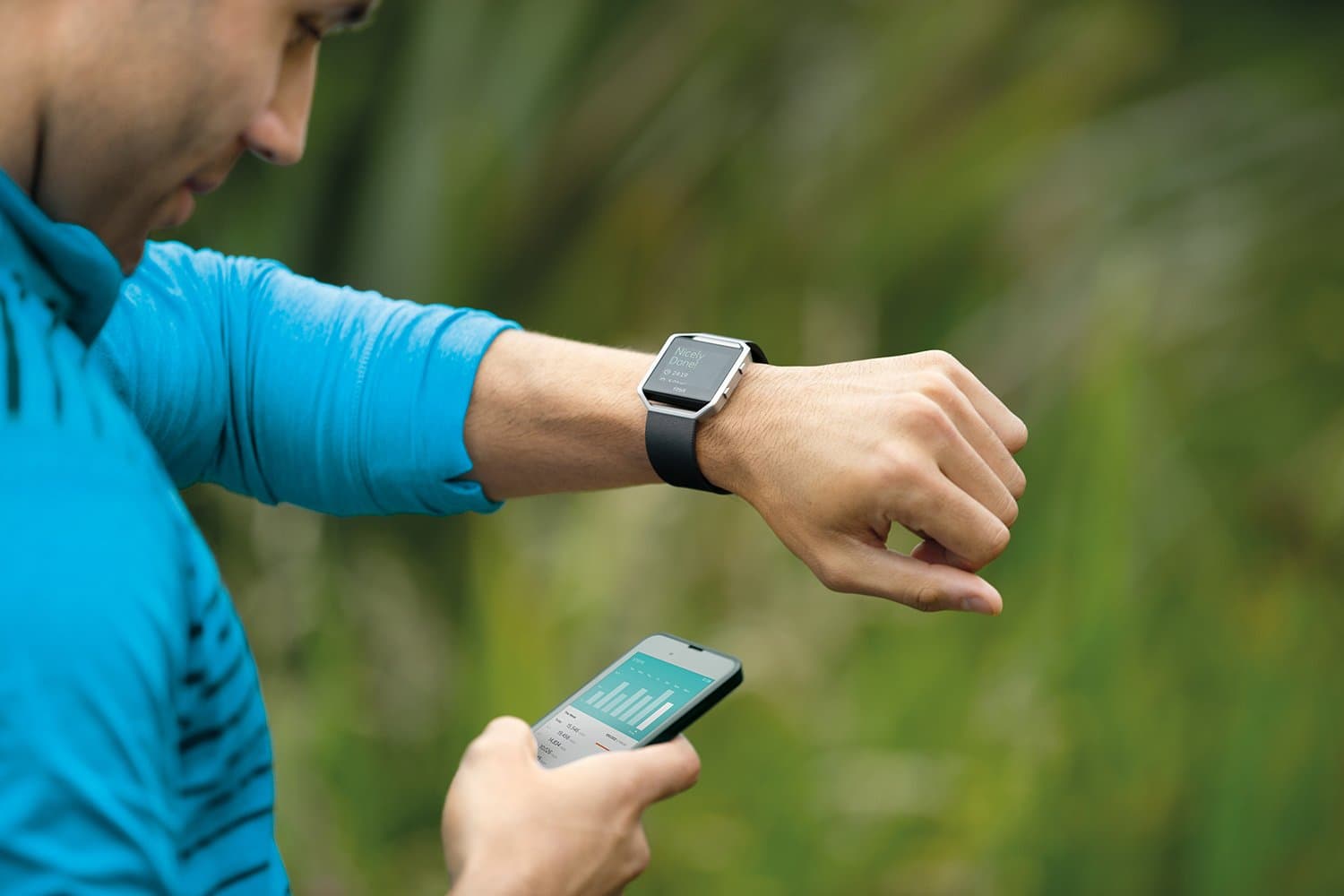
Fitbit Blaze Smart Fitness Watch

If you’re a Fitbit user, you might have a problem where the screen is black and/or the device is not powering on. Here are some troubleshooting steps you can take to try to solve this issue.

Contents

  • 1 Reset While Connecting Charger
  • 2 Try a Different Charger
  • 3 Seek Replacement

Reset While Connecting Charger

What usually does the trick for most users is holding the buttons to reset the Fitbit while connecting it to the charger.

  1. Ensure the charging connectors on the Fitbit and the charger are clear of debris.
  2. Perform the following steps depending on your model:
  • Ionic, Sense, & Versa: Hold the button down for 10 seconds, then connect the charger. Continue to hold the button down for 10 more seconds.
  • Alta, Charge & Luxe: With the charger connected to a power source and the Fitbit, press the button located on the charger 3 times at a 1 second pace, then wait 10 seconds.
  • Ace 2,3, & Inspire: Hold all buttons down on the tracker for 5 seconds, then connect the charger. Continue to hold all buttons down for 10 more seconds.

Hopefully, after performing these steps, your Fitbit is revived and you’re back to using it again. If not, try performing the steps again.

It may take a while for the Fitbit screen to turn back on in instances where the device has an extremely low battery.

Try a Different Charger

If the above steps didn’t work for you, it is possible that the charger is not working. See if you can borrow a charger from a friend or purchase a new one.

Seek Replacement

If nothing seems to work for you, contact Fitbit support about your problem. If you just purchased your Fitbit, it may still be under warranty.


Visit the Fitbit Help page to contact Support

Categories: Hardware

Author Mitch Bartlett

Through my career that spans over 20 years I have become an expert in Microsoft Systems Administration, Android, and macOS. I started this site as a technical guide for myself and it has grown into what I hope is a useful knowledgebase for everyone.

You Might Also Like

  • Oculus

    VR Oculus Quest 2: How to Troubleshoot Hand-Tracking Issues

    Mel HawthorneGaming
  • Oculus

    VR Oculus Quest 2: How to Change the Color of Your Guardian Boundary

    Mel HawthorneGaming
  • fix-chromebook-not-connecting-to-bluetooth-device

    Fix: Chromebook Won’t Connect to Bluetooth Devices

    Madalina DinitaHardware
  • Must-Have Google Lens Alternatives – Android

    Judy SanhzHardware

Leave a Reply

Your email address will not be published. Required fields are marked *

  • cant set a new default browser

    Can’t Set a New Default Browser Automatically? Here’s What to Do

  • fix error 0x8000ffff

    How to Fix Error 0x8000ffff

  • how to fix this device cannot start code 10

    This Device Cannot Start (Code 10) – How to Fix

  • steam games wont launch after windows update

    Steam Games Won’t Launch After Windows Update 24H2 

  • fix error code 0x800f0825

    How to Fix Error Code 0x800f0825 for Windows Update 

profile pic

The Experts Behind Technipages

My name is Mitch Bartlett. I've been working in technology for over 20 years in a wide range of tech jobs from Tech Support to Software Testing. I started this site as a technical guide for myself and it has grown into what I hope is a useful reference for all.

Learn More

technipages logo white
linkedin icon

Technipages is part of Guiding Tech Media, a leading digital media publisher focused on helping people figure out technology. Learn more about our mission and team here.

© 2025 Guiding Tech Media All Rights Reserved

  • About Us
  • Contact
  • Terms of Use
  • Privacy Policy

© 2025 Guiding Tech Media All Rights Reserved

Information from your device can be used to personalize your ad experience.
Do not sell my personal information.

Last Updated on February 2, 2022 by Mitch Bartlett