When you’re trying to determine whether to get an Apple iPad or the Samsung Galaxy Tab S8, there are a lot of things to consider. Both tablets are more than powerful to handle much of your daily tasks, and then some. Apple and Samsung also both offer detachable keyboard cases to help you stay productive from the couch or on the road. There’s another factor to consider when comparing these devices, and that’s stylus support.
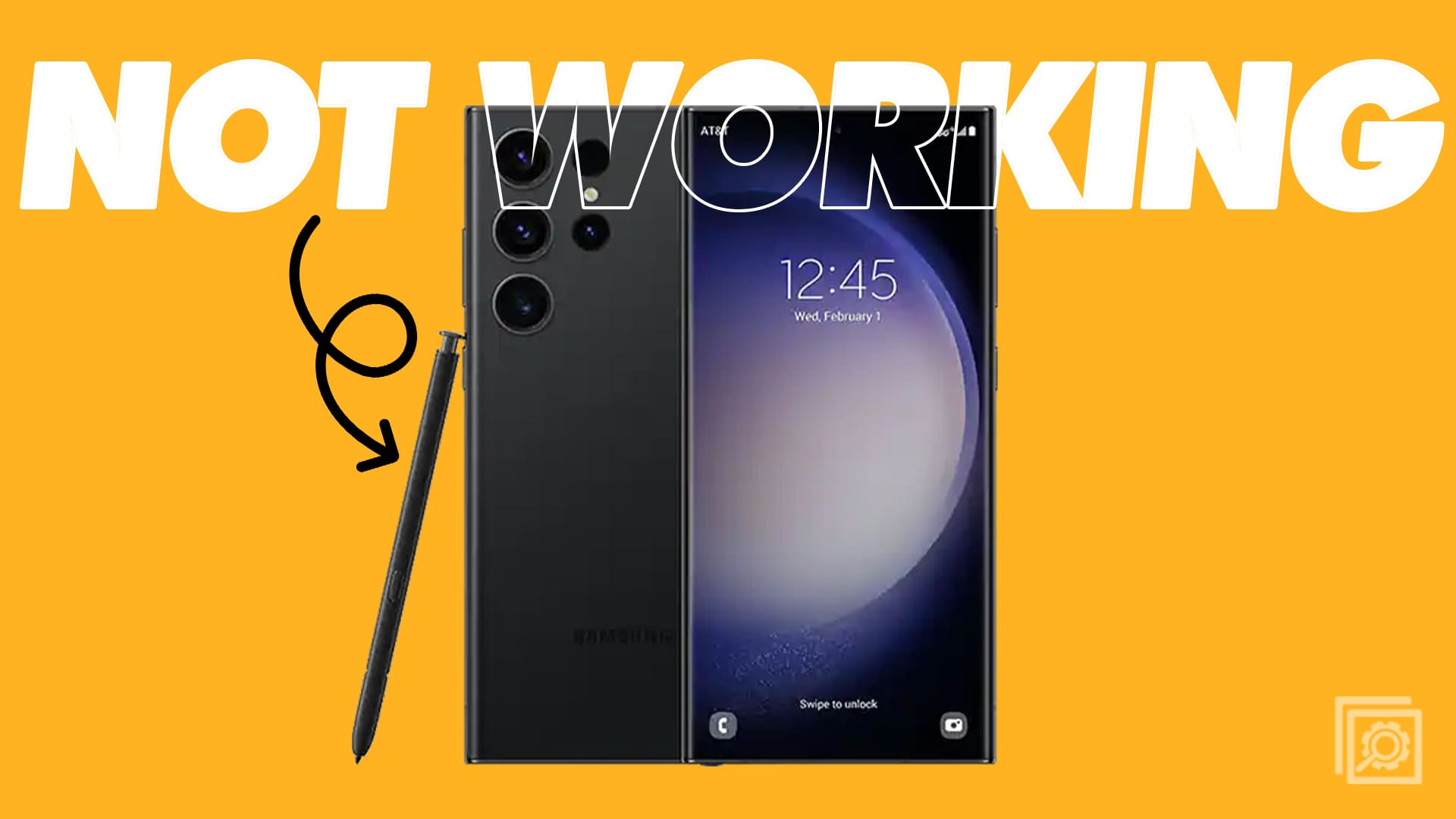
The Galaxy Tab S8 series was unveiled earlier this year, alongside the Galaxy S22 lineup of phones. And while Samsung has finally decided to ditch the included charger in the box, there’s something that you will find in the box along with the tablet itself. Unlike Apple, who forces users to pay for an Apple Pencil separately, Samsung has been including an S Pen with many of its best tablets for the past few years.
The Galaxy Tab S8 Includes An S Pen

This trend continues with the Galaxy Tab S8, as you’ll find an S Pen in the box, regardless of which Tab S8 model you end up with. What makes this even more intriguing is the fact that you can also use the S Pen with pretty much any other compatible Samsung Galaxy device. Essentially, if your Samsung product features S Pen support, chances are, this new S Pen will work flawlessly.
Naturally, there is one rather major exception, and that’s the Galaxy Z Fold 3. Samsung’s flagship foldable smartphone finally saw the addition of S Pen support in 2021. However, due to the potential fragility of the display, Samsung had to develop a completely different type of S Pen. With the Z Fold 3, your options are limited to the S Pen Fold Edition, or the S Pen Pro. With the latter, you’ll find a hardware switch on the side, that allows you to go between “regular” Galaxy devices and the Galaxy Fold. All of this is to say that you won’t be able to use the Galaxy Tab S8’s S Pen with the Galaxy Z Fold 3.
What’s Special About The S Pen?

Instead of simply just including the same S Pen from the Galaxy Tab S7 and Tab S7+, Samsung went back to the drawing board for the Tab S8. This time around, the latency has been reduced to an incredible 2.8ms, which matches with the latency of the S Pen included with the Galaxy S22 Ultra. However, there is one catch to that, and it’s for those who want to pick up the “regular” Galaxy Tab S8.
With the smallest tablet in the bunch, the latency of the S Pen for this model comes in at 6.8ms. This is still an improvement over the Galaxy Tab S7’s S Pen which featured a 9ms latency. However, if you want the advertised 2.8ms of latency, you’ll need to spring for either the Galaxy Tab S8+ or the Galaxy Tab S8 Ultra.
Another useful feature is that if you own both the Galaxy Tab S8+ or Tab S8 Ultra and the Galaxy S22 Ultra, you’ll be able to use the same S Pen between both devices. The only requirement is that both devices need to be signed into the same Samsung account. Unfortunately, this means that you won’t be able to borrow your friend’s S Pen in a pinch because you left yours behind.