One of the most common issues faced by 3D printing enthusiasts is print bed adhesion. To be able to reliably complete a print, you need to secure it in place from start to finish. To achieve this goal, you can use many different strategies. The most common is to use a heated print bed, as the extra heat keeps the bottom of the print sticky. This isn’t always enough, however, as prints can still warp or pop off the bed.
There are plenty of things you can apply to the print bed to help increase adhesion; painter’s tape and stick glue are common examples. Unfortunately, these are always one-time-use solutions that you have to take off your print bed afterwards. You also have to make sure to properly clean your print bed; if you don’t, they can leave a residue that can result in an uneven surface and generally negatively affect your next prints. If you want to avoid having to do this regularly, then your best shot might be a PEI sheet.
What is a PEI sheet?
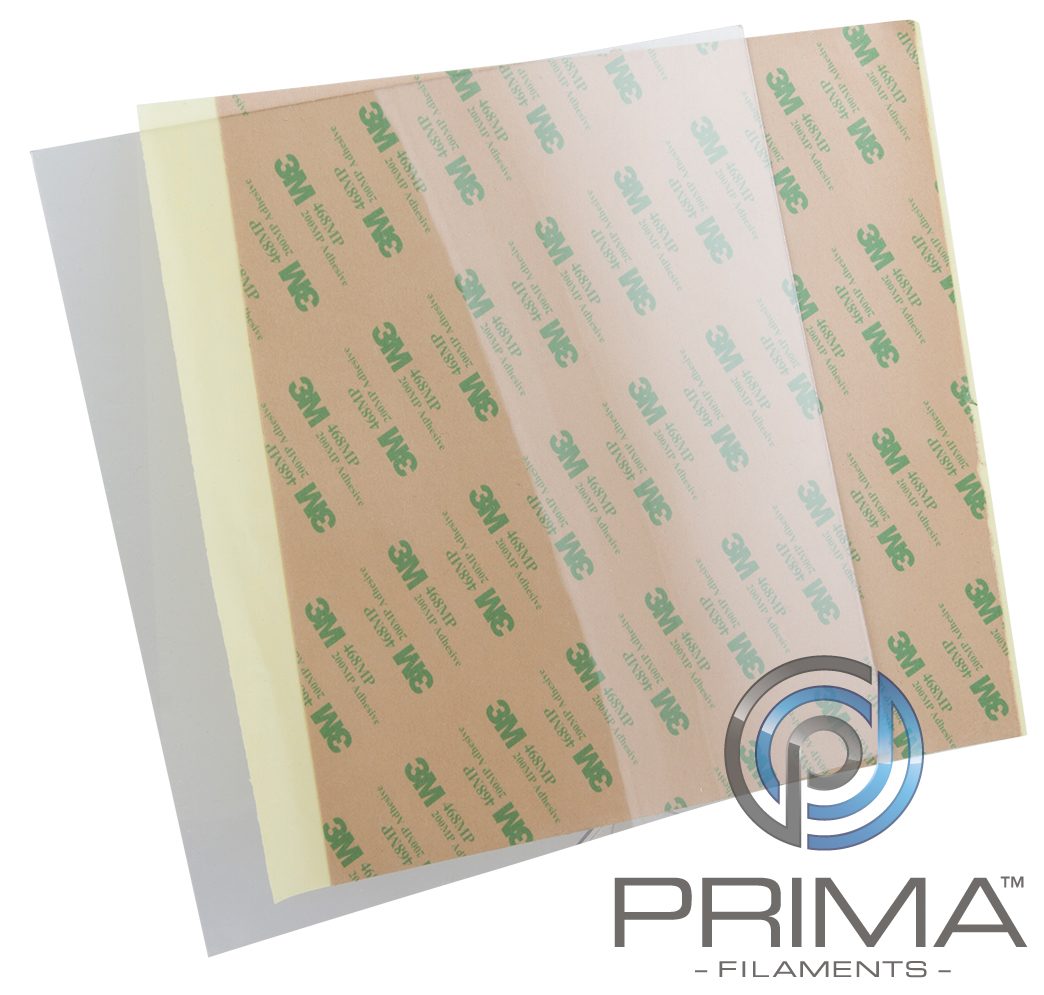
Polyetherimide, normally abbreviated to PEI, is a plastic build surface that’s intended to go directly on top of your aluminium plate. It can be heated without issue and provides excellent adhesion without you needing to add any extra materials or do any surface-prep. Aside from this, PEI offers excellent mechanical properties, it’s resistant to high or low temperatures, has good temperature stability, and offers good wear resistance. It’s also non-flammable, non-conductive, and generally resistant to chemicals, except chlorinated solvents. An extra positive that some people may like is that it can come in multiple colours. More ways to personalise your printer are always great.
Many PEI sheets have an adhesive backing that is used to attach the sheet to the aluminium build plate. You may also be able to find versions that simply clip on. Before applying the PEI sheet, remove any previous coverings. You’ll also need to clean the aluminium build plate to ensure that the sheet can lay perfectly flat. As you’re applying the sheet, you need to make sure to push bubbles out like you would when applying a screen protector to a phone. After you’ve applied the PEI sheet, you’ll need to relevel the print bed as it will affect the height Even though they’re generally only 1mm thick, this is enough to have your printer scrape the nozzle over the surface.
In some cases, the print can adhere to the PEI sheet too well. If this happens it can take a lot of effort to remove and you risk damaging the print, print bed, sheet, and even yourself when trying to remove the print. You also need to be careful if you try to use a scraping tool. PEI sheets are relatively soft and you can damage them if you’re not careful. While you can reliably reuse PEI sheets, if the surface gets damaged you will need to replace it.
Have you switched to using a PEI sheet? Let us know your experience with it down below.