
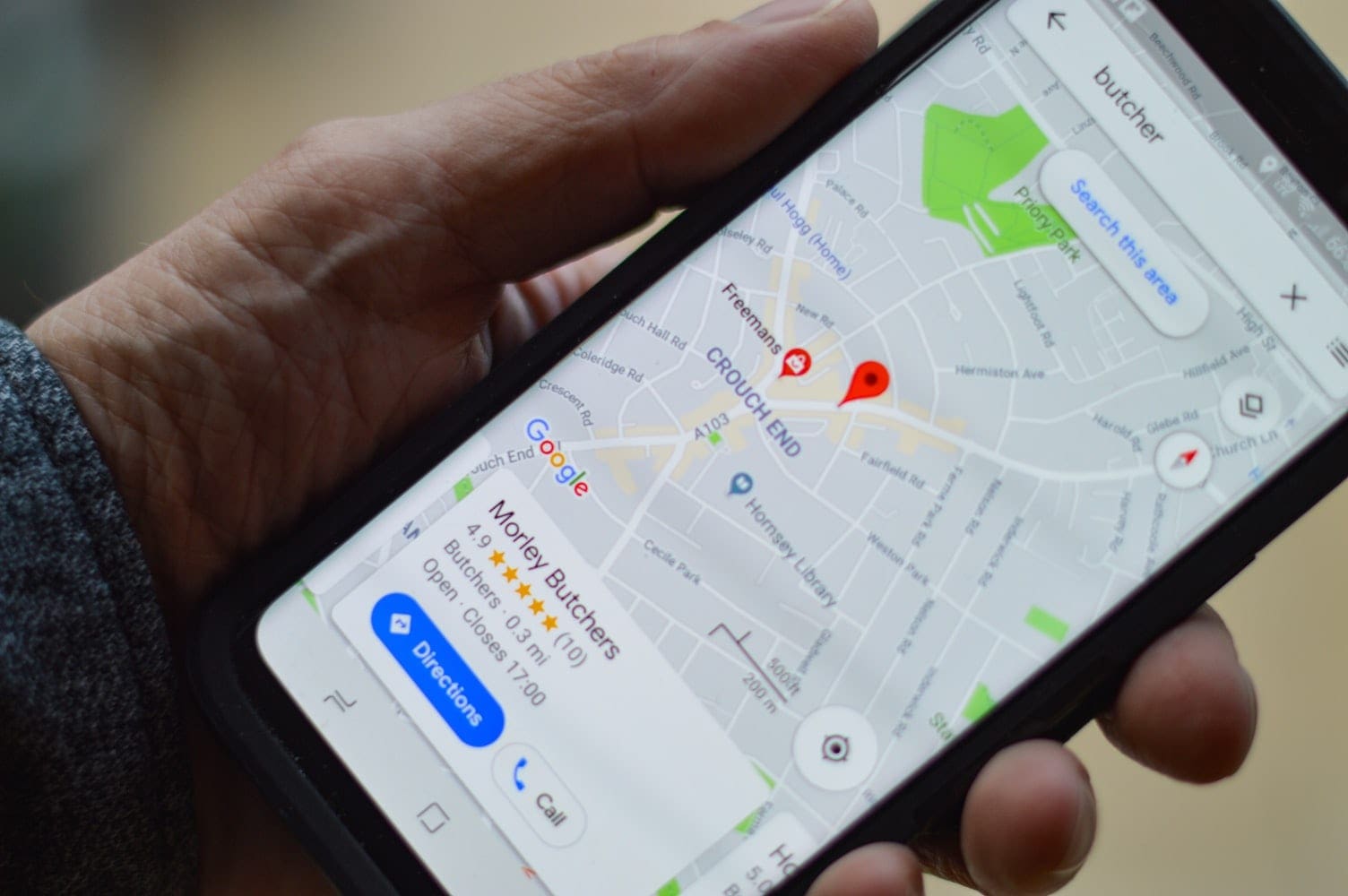
You have probably been in a situation at least once where you wandered the streets while holding your phone open on Google Maps, trying to get to the new place that has just opened where your friend is waiting for you. It is already incredible how Google Maps can guide you anywhere you want to go, making navigating the streets of your city more accessible. To make Google Maps even handier as it is a staple in everyone’s smartphone, it has a set of gestures helpful integrated into it. One pioneer feature that Google had come up with before any of it’s competitors was zooming in and out using a single hand. With this trick, you need only one finger to zoom in and out, no pinching involved.
The classic and most popular way to zoom in and out is to either double-tap with one finger to zoom in and double-tap with two fingers to zoom out, but this method is not very precise, so users just pinched and stretched their fingers for a more accurate zoom. Additionally, the aforementioned methods require using both of your hands.
Regardless of your phone’s operating system, the one hand gesture is available as long as you are using the Google Maps app. Instead of using both hands to zoom in or out of a certain location, you can now just tap twice on the screen and on the second tap just slide your finger up and down to zoom in and zoom out respectively. This method is quite useful, especially if you are busy doing something else such as writing something down, drinking your coffee, or driving.
The gesture used to be exclusive to Google Maps for years as it dates back to before 2013, but has been recently added in iOS 11 to Apple’s Maps app. The one-hand gesture also works on other Google apps such as Chrome. If your phone runs on an Android operating system, this option is available for use pretty much anywhere such as on pictures or web pages. Google always has a number of hidden gestures that we miss out on until someone discovers them, nonetheless, they are usually a sweet easter egg that when found, everyone is excited for. So keep an eye out and maybe you will be the next person to discover one of Google’s latest hidden gestures.

Thanks for the tip!
Thank you for this great bit of information.
Now I can drink my coffee or write or cary something ..etc.. while zooming in and out on Google maps.