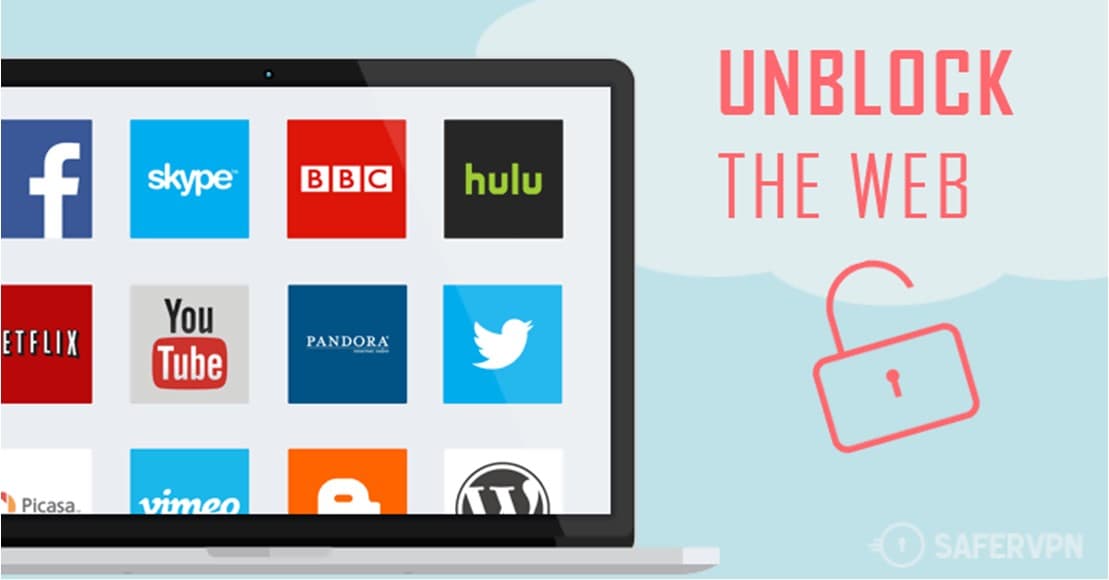
One of the most frustrating things you can happen when using a streaming website such as Netflix or YouTube is to encounter a message informing you that the content that you want to watch is “not available in your region”.
This happens because streaming sites have to licence the copyrighted content that they distribute, but these licences don’t always cover a worldwide audience. If a streaming site only has a licence to stream a particular film in the US, it is legally obligated to only allow US-based users to be able to access it. To restrict access to regionally licenced content like this, streaming sites us a process called geo-blocking.
Geo-blocking is a technique that allows websites to restrict access to content based on your physical location. Your location is determined by using your IP address to perform a geo-IP lookup. A geo-IP lookup doesn’t show your exact location as GPS would, but it is generally accurate to the city level.
Tip: Your IP address is a digital address that is used to specify your computer on the internet. Every internet-connected device has one.
There are three main reasons a streaming site may only have a region-specific licence for certain content; cost, expected viewership, and competition. Cost is the most obvious factor, steaming companies have to pay for the licence to distribute content and buying a licence for a single country will be cheaper than a global licence. Another factor is the expected viewership, there is not much point in a streaming site purchasing a broad licence for a show that is only expected to be popular in one region or country.
Finally, streaming sites have to compete with each other to purchase content licences. Most licences grant the streaming company the exclusive rights to distribute the licenced content in the licenced region. One streaming company may licence a show in Europe while another may own the streaming licence for the US. Unfortunately, this can sometimes leave customers that want to watch a film or show, unable to do so because they don’t have a subscription to the right streaming platform for their region.
A VPN can help
One tool that can help you bypass these restrictions is a VPN. A VPN, or Virtual Private Network, creates an encrypted connection between you and a VPN server and then tunnels all of your internet traffic through the VPN server.
VPNs can help you bypass geo-blocks because when you use one, all of your web traffic appears to come from the VPN server. When a geo-IP lookup is performed by the streaming site, they only see the IP address and thus the location of the VPN server. This means you can stream content licenced for one country, while you’re in another one.
Tip: If you want to use a VPN for this purpose, make sure you research the VPN provider you’re looking at. It needs to have servers in the location or locations that you want and be able to “unblock” the streaming service you want to use. Unfortunately, streaming sites have caught onto this technique and try to ban access from VPN servers. Not all VPN providers can stay ahead of the streaming sites block list.