If you’re in the market for a new graphics processing unit (GPU), there are so many options out there. Prices range from a couple of hundred bucks to thousands, so how do you know which is the best graphics card for you?
To help you out, we’ve brought together our top graphics cards for 2026, with a glimpse at the features that make them so popular.
Contents
- 1 Top Graphics Cards for 2026: Our Favorites
- 1.1 Best Graphics Card When Money Is No Object: NVIDIA GeForce RTX 5090
- 1.2 Best Balance of Performance and Price: NVIDIA GeForce RTX 5070 Ti
- 1.3 Best Non-NVIDIA Alternative: AMD Radeon RX 9070 XT
- 1.4 Best Graphics Card at a Lower Price Point: AMD Radeon RX 9060 XT
- 1.5 Best Low Spec Budget Graphics Card: Intel Arc B570
Top Graphics Cards for 2026: Our Favorites
Best Graphics Card When Money Is No Object: NVIDIA GeForce RTX 5090
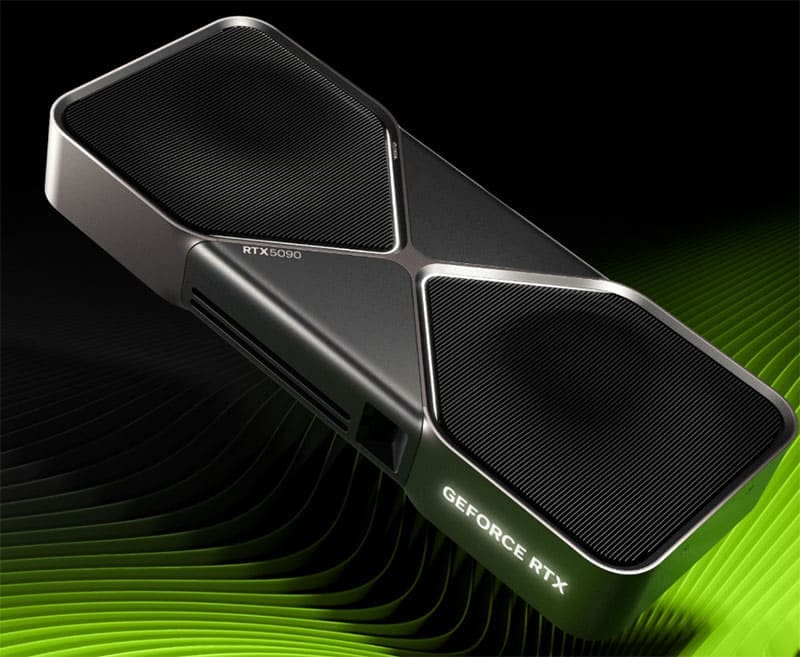
The best graphics card on the market right now is the NVIDIA GeForce RTX 5090. It’s the fastest GPU, with 32 GB of VRAM (video random-access memory), meaning you can run every game at its highest possible graphics and shader settings without any loss of performance. The downside? You have to pay for this level of performance, anything from $2,000 to $4,000, depending upon your chosen retailer.
Best Balance of Performance and Price: NVIDIA GeForce RTX 5070 Ti
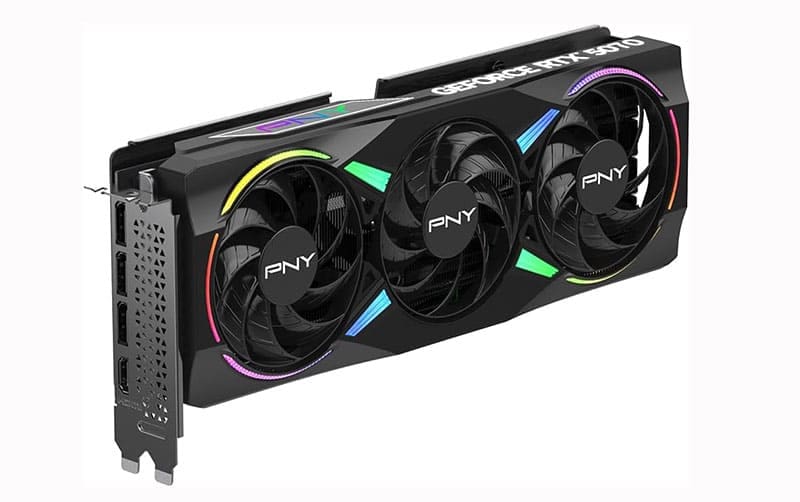
If you want NVIDIA power at a fraction of the price, the NVIDIA GeForce RTX 5070 range could offer a great solution. It has the same support for high-end multi-frame generation and upscaling as the more expensive cards. There’s 16 GB VRAM for smooth, fast performance, and the card supports games created using NVIDIA’s DLSS 4, a relatively new AI rendering technology. You can pick up the RTX 5070 for around $600-$800.
Best Non-NVIDIA Alternative: AMD Radeon RX 9070 XT

While NVIDIA is still the leading graphics card manufacturer, AMD reliably produces top-tier alternatives. The 9000 series offers native 4K ultra video processing and claims to be 42% faster than some NVIDIA cards, but only across certain games. AMD says that you can get an impressive 109 fps when playing “God of War: Ragnarok,” and a frighteningly realistic 157 fps when racing in F1 24. Investing in a Radeon RX 9070 XT should set you back around $700.
Best Graphics Card at a Lower Price Point: AMD Radeon RX 9060 XT
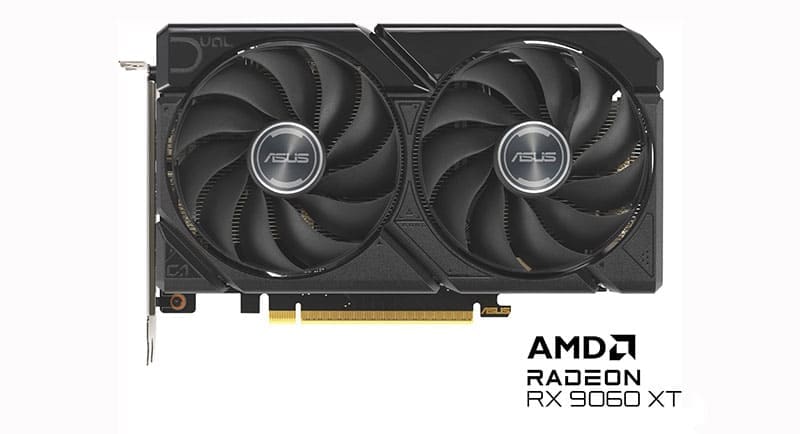
You can knock about a third off the price of the previous AMD GPU and still get plenty of performance and power, thanks to the Radeon RX 9060 XT. The card’s 16 GB of VRAM prevents lag and stutter on most games, while the RDNA 4 architecture adds AI-enhanced features for better upscaling. The recommended retail price is around $350, but most retailers are bumping this up to over $400.
Best Low Spec Budget Graphics Card: Intel Arc B570
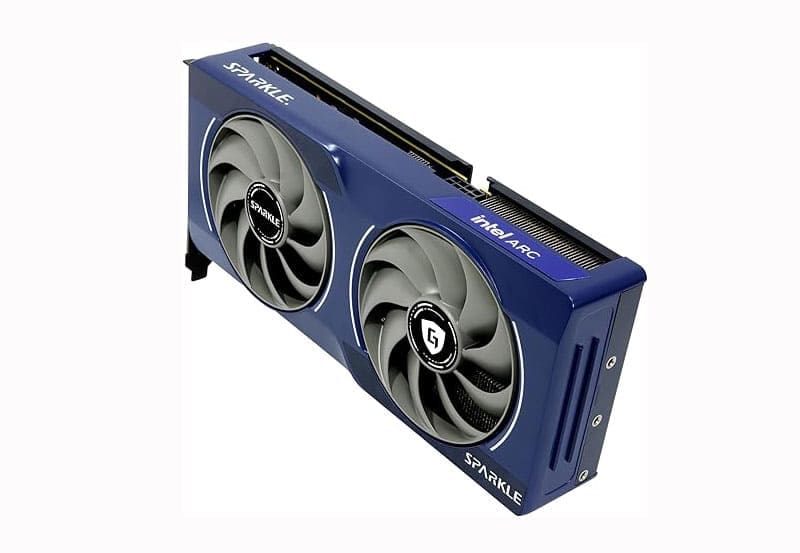
If you don’t need an ultra-high-spec graphics card, then there’s no point spending over $500. The 10 GB of RAM makes Intel’s Arc card suitable for many games, especially if you adjust the settings so it runs at its highest possible performance. XMX AI accelerators handle smooth frame generation and upscaling as required. Prices for the Arc B570 range from $250 to $300.
Remember to always check the apps you use and the games you want to play, and their requirements, before purchasing a graphics card. Note down the minimum tech specs and try to get a graphics card that runs a little better than this, to future-proof your setup.