Any major Windows update can carry with it a whole range of problems, bugs, and errors. Some of these may be due to such a major update, while the rest could just be due to new software clashing with older software, not to mention the hardware issues. After all, the average computer contains many different components.
The Windows 11 24H2 update is no exception to this rule. This article will outline some of the major errors that other users (and maybe even you) may be experiencing.
Contents
Windows 11 24H2 Errors Commonly Reported
Despite the promises of stability and increased performance that were to come with Windows 11 24H2, many users are still reporting lingering bugs and errors. Let’s take a look at some of the big ones.
Connectivity Troubles
This issue demonstrates that software is just as much to blame as a bad router when it comes to a poor internet connection. This problem occurs when the Windows 11 computer does not receive an IP address, which is vital for going online and connecting to other computers. Some users use a static IP address to resolve the issue, but others find that even updating drivers isn’t helping.
Easy Anti-Cheat Conflicts
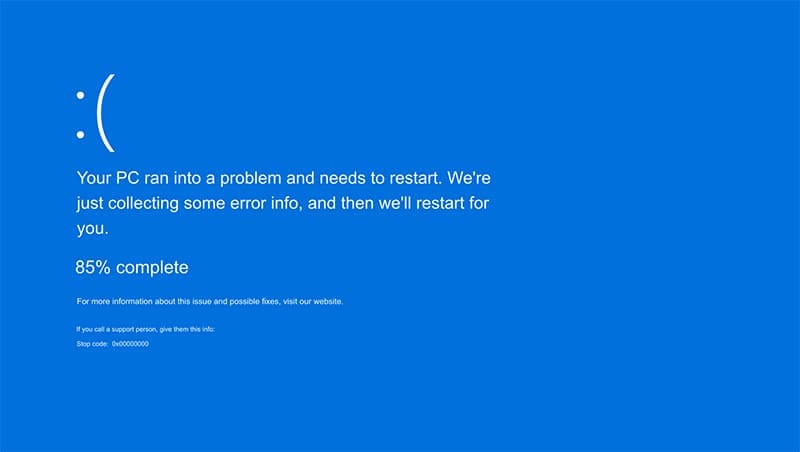
Modern online games like Fortnite often come with anti-cheating software to clamp down on online shenanigans. Easy Anti-Cheat is a major one, but it’s had well-documented problems since the Windows Update. Old program drivers are incompatible with 24H2 and can cause BSOD (blue screen of death) or application errors. Seeing as this software is needed to run some online games, it’s a big issue, but one that hasn’t yet been fixed.
Wallpaper Woes
Even basic customization features like wallpapers aren’t safe from an update to 24H2. Desktop icons and backgrounds might randomly disappear or not show at all. Many applications are affected by this error, and Windows has placed an update hold on all machines that include one.
This issue has still not been completely resolved, and Microsoft has advised uninstalling certain wallpaper apps from PCs, rather than not installing the update.
Account Deactivation
Some users report that their Windows product key is no longer being accepted, which results in a deactivated Windows machine following the update. Error code “0xC004f213” is usually displayed. If this can’t be resolved by reentering the product key, reloading the configuration file by Command Prompt, or restarting the machine, then call Microsoft if needed.
Volume Troubles
Other users have reported a complete lack of system sound, which might be due to corrupted sound drivers installed during the update, or a failure of the Windows 11 “Audio Enhancer.” A quick disabling of this via the sound settings might be enough to see it right.
Intel Smart Sound Technology users also report incompatibility and regular BSODs. A fix has been created that prevents users from installing the 2024 update that might trigger these issues. Installing the SST drivers before 24H2 is recommended.
Dirac audio users report connectivity issues with their Bluetooth audio devices. The library “cridspapo.dll” is often the culprit, and Microsoft has placed a hold on the 24H2 update for computers with this software component.
AVD Errors
Azure Virtual Desktop software hasn’t played well with the 24H2 update. The app’s attach feature has caused problems, with the “Element not found” error message being a common occurrence. Any file packaged in AVD’s CIMFS format is expected to encounter problems. This problem has been mitigated, and a recent patch has been included in the June update.